3.3.2.3 Value
This parameter shows the analogue value returned by the device. The number displayed will vary according to
the type of device fitted. An ‘H’ (High) and ‘L’ (Low) is shown for logic inputs. This parameter cannot be
changed.
3.3.2.4 Zone
This parameter shows the Zone to which this device has been assigned. Use the number keys to change the
zone assigned to the device.
3.3.2.5 Device Text
This parameter shows the 26-character location text assigned to this device. For guidance on how to change
the text, refer to Section 3.1.4.
3.3.2.6 Action
This parameter shows the action that will be performed when this device indicates an active (alarm) condition.
For example:
[Loop 1 Devices] <More>
Address Action Sensitivity O/P
001.0 FIRE SIGNAL DEFAULT
002.0 FIRE SIGNAL DEFAULT
003.0 FIRE SIGNAL DEFAULT
004.0 FIRE SIGNAL DEFAULT
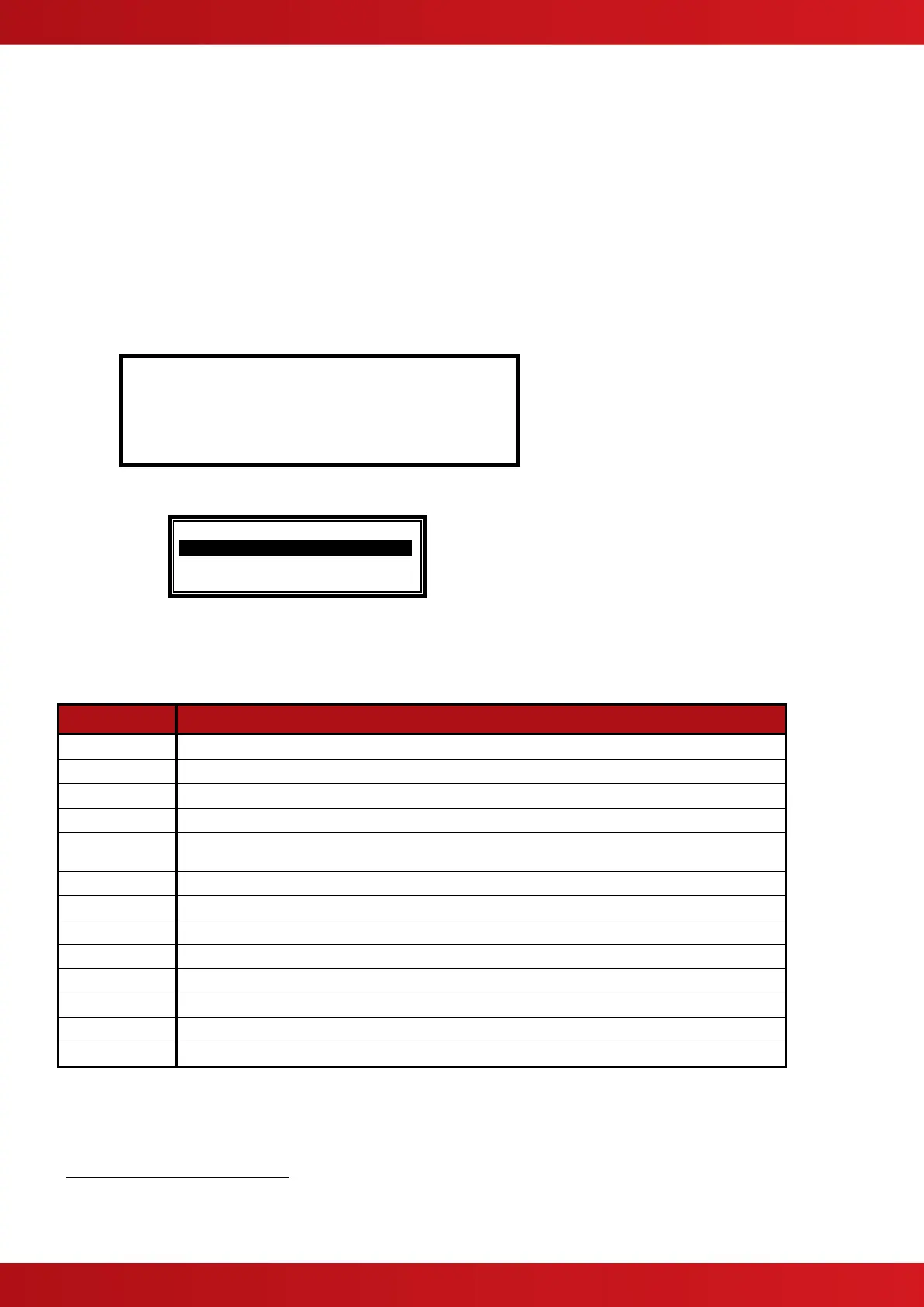
Press the ✔ button to change the action assigned to this input device. A pop-up window is then shown on the
display from which an action can be selected.
[Select New Action]
FIRE SIGNAL .
PRE-ALARM
FAULT SIGNAL
Press the buttons to scroll through the list of Actions and then press the ✔ button to confirm the change.
The display reverts to the device list showing the new action assigned to this device. Alternatively, press the
‘Esc’ button to cancel the changes and return to the device list display. The following Actions are available
(Additional actions are available on a PC)
A Fire Alarm Condition will be generated whenever the input is active.
A Pre-Alarm Condition will be generated whenever the input is active.
A Fault Condition will be generated whenever the input is active.
A Security Alert Condition will be generated whenever the input is active.
A Record Entry will be stored in the Log whenever the input is active. This will be hidden from the panel
status display.
An “Alarm 1” condition will be generated whenever this input is active.
An “Alarm 2” condition will be generated whenever this input is active.
An “Alarm 3” condition will be generated whenever this input is active.
Enables / Inhibits front panel controls (Disable, Mute, Reset etc.)
No Action is assigned to the input.
Allows control of Outputs without displaying “Fault” or “Fire” or sounding buzzer
Activation of the input acknowledges a Stage 1 Investigation Delay and invokes the Stage 2 Timer
Activation invokes a test of the panel LED Indicators.
3.3.2.7 Sensitivity
This parameter shows if the device sensitivity is set to its “DEFAULT” or “CUSTOM” settings. For example:
Fire Alarm Conditions are latched. By default, all other conditions are non-latching. The action for smoke and certain other detectors is
always fire and cannot be changed.
LED Test can only be configured using the PC Tool.



 To Next Page