5.5 Appendix 5 – Apollo Information
Special Discovery specific features are available from the “Additional Info” field of the Loop View/Edit display. It
is then possible to view the internal Drift, perform a rapid compensation or access any of the internal Discovery
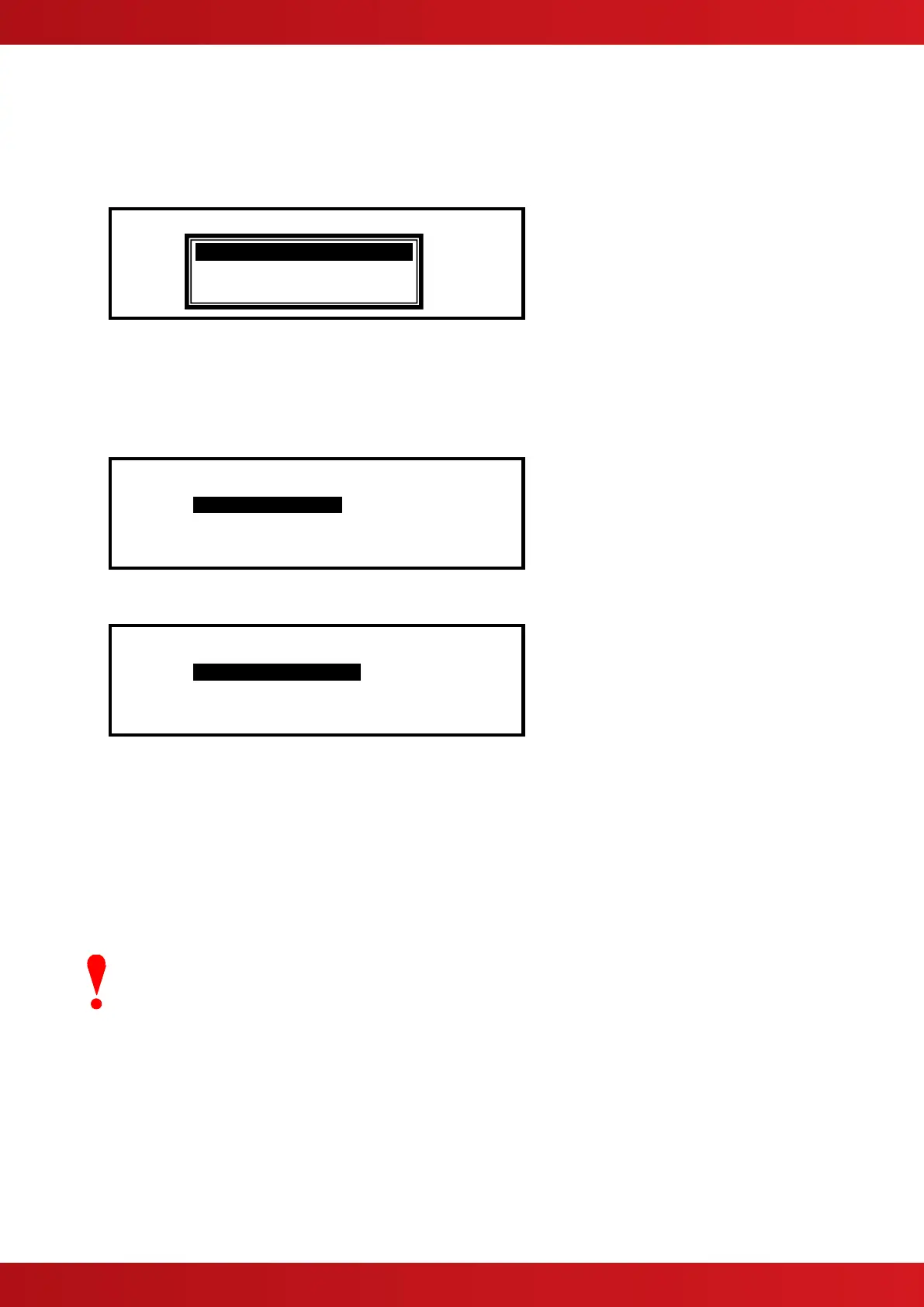
EEPROM memory locations. Press the ✔ button and a pop-up window is shown presenting a list of options.
For example:
Press the buttons to highlight the required menu option and then press the ✔ button to confirm.
5.5.1 View Drift
The display then shows the Discovery devices that the panel is reading. For example, select the View Drift
option and the display shows:
[Loop 1 Devices] <More>
Address Additional Info
>001.0 Disco Reading..
002.0 XP95
003.0 Disco Reading..
004.0 Disco Reading..
When the reading is complete, the display shows the drift within the device. For example:
[Loop 1 Devices] <More>
Address Additional Info
>001.0 Disco Drift = 16
002.0 XP95
003.0 Disco Drift = 16
004.0 Disco Drift = 16
Refer to Apollo’s literature for an explanation of the drift mechanism and for further information on the expected
values.
5.5.2 Rapid Compensation
Apollo has incorporated a rapid compensation facility into the Discovery devices. If a device is changed during
service it can be quickly adjusted to the present ambient conditions.
Highlight the required “Disco” family device, select RAPID COMPENSATION and then press the ✔ button to
confirm. The panel will now instruct this device to perform a rapid compensation. This will take approximately 30
seconds.
This operation must only be performed with the detector in clean air.
No other operation should be performed on this device during this rapid compensation period.
VIEW DRIFT
RAPID COMPENSATION
VIEW EEPROM



 To Next Page