5.5.3 View EEPROM
The panel can read any of the extended memory locations within the Discovery devices.
Highlight any “Disco” family device, select VIEW EEPROM and then press the ✔ button to confirm. The display
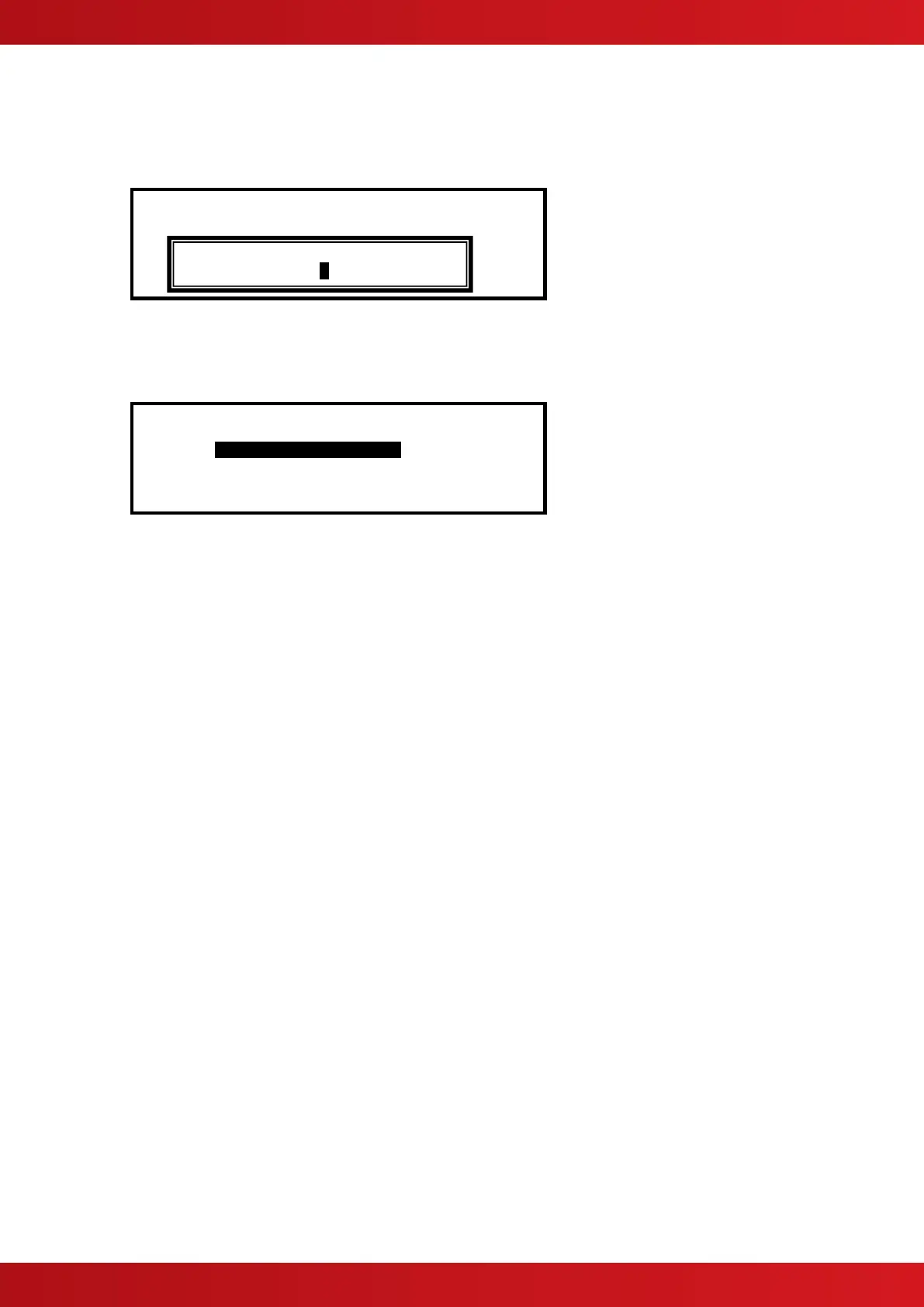
will prompt for entry of the required extended memory address. For example:
[Loop 1 Devices] <More>
Address Additional Info
Enter the required address using the number buttons and then press the ✔ button to confirm.
The panel will now read the extended memory locations for all Discovery devices on the loop. When complete,
the display will present the information as follows:
[Loop 1 Devices] <More>
Address Additional Info
>001.0 Disco EEP[ 1] = 23
002.0 XP95
003.0 Disco EEP[ 1] = 21
004.0 Disco EEP[ 1] = 22
Refer to Apollo’s literature for an explanation of the extended memory locations and for further information on
the expected values.
5.5.4 Loop Isolators
Apollo recommends a maximum of 20 detector devices (or equivalent loading) between isolators.
Note that some devices (particularly modules) are specified as representing the equivalent of two or more
detector loads.
For further information, refer to the Apollo Document on Isolators (number PP2090) and individual Apollo device
data sheets.
5.5.5 Sounder Group Addressing
The panel supports the optional “Group Address” now available on a number of the Apollo sounder type
modules and sounders.
Refer to Document 680-128 for further information.



 To Next Page