10
Survey Form ABF-S40 is specifi cally designed for pro-
cessing surveys with Advantage. This form can be used for
surveys with up to 40 questions. It includes 5 choices for
each question. Survey results can be obtained by inserting
Item Analysis Form 23570 or Tally Report 23580 through the
scanner when the batch processing is complete, or by viewing
results on the display window. Up to 9,999 surveys can be
processed in a single batch.
Design your survey questions and selections to match the
bubble pattern on the survey form. On Survey Form ABF-S40,
you can choose to accept multiple marks per question or accept
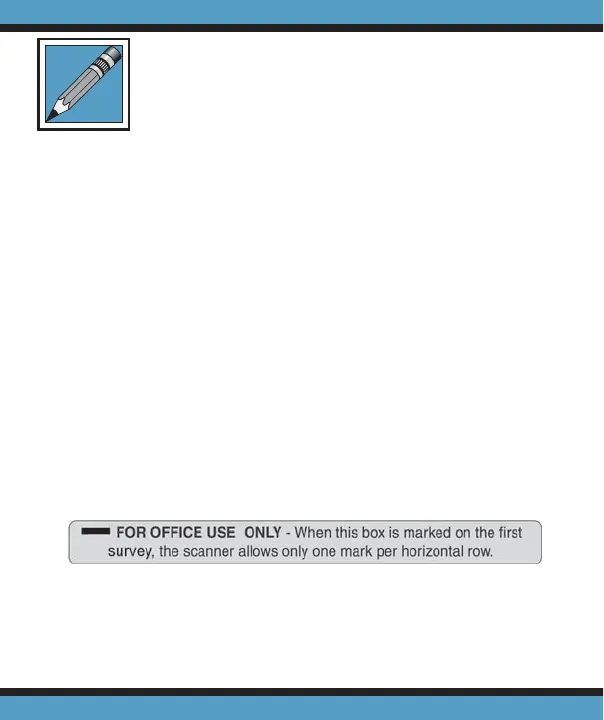
only single marks. Mark your selection on the top of the fi rst
survey scanned, as shown below. If no selection is made then
the scanner will accept multiple marks for each question.
After each survey is scanned, a verifi cation number is
printed inside the Survey Verifi cation box.
Processing Surveys



 To Next Page