16
4. Replace the printer cover by aligning the locking tabs
with their corresponding holes on the scanner housing.
Firmly press in the tab on the right side of the cover and
press into the housing until the tabs lock into place.
Removing a Print Cartridge
1. Squeeze the print cartridge
cover and fi rmly press in the
tab located on the right side
to disengage the cover (Fig.
1, pg. 15). Lift the cover
away from the scanner (Fig.
2, pg. 15).
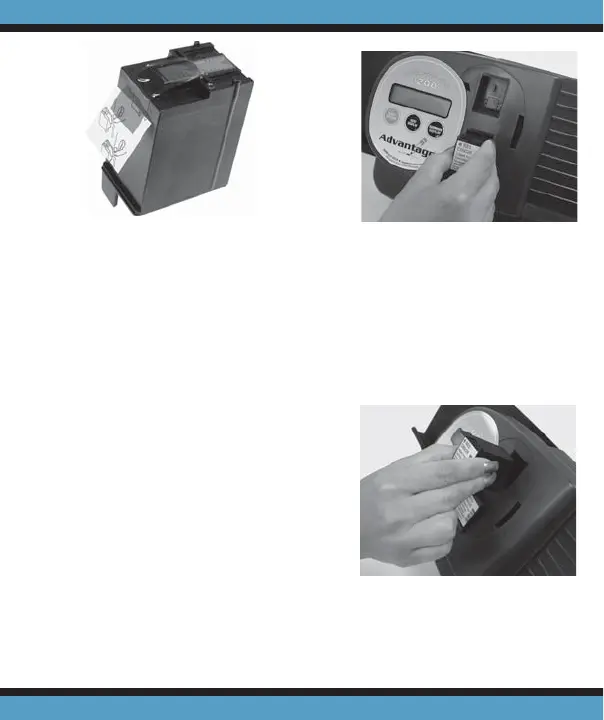
2. Remove the cartridge from
the scanner (Fig. 5).
Print Cartridge Operations . . .
Figure 3
Figure 5
Figure 4



 To Next Page