17
Servicing a Print Cartridge
1. Remove the cartridge using the instructions listed on
page’s 15 and 16.
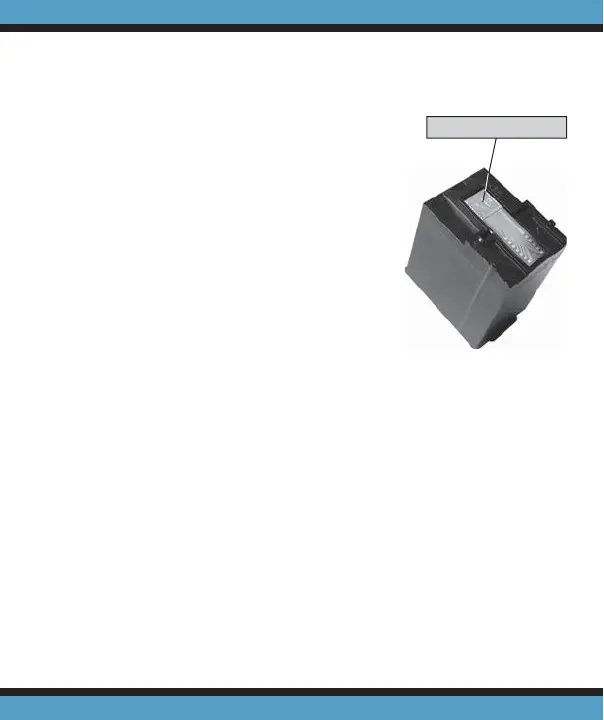
2. Gently wipe the silver nozzle
plate of the cartridge with a
tissue (Fig. 6). Inspect the plate
to ensure all dust and lent has
been removed.
3. Replace the cartridge following
instructions 3 and 4 on page’s
15 and 16 — Installing a New
Print Cartridge, and as shown
in Figure 4 and 5.
If a cartridge continues to print poorly after wiping the
nozzle plate, a new print cartridge may be necessary.
Figure 6
WIPE PLATE HERE



 To Next Page