15
Advantage uses two disposable Hewlett-Packard ink
cartridge for print operations. Under normal operating condi-
tions the cartridges should provide reliable service for up to
two years.
Installing a New Print
Cartridge
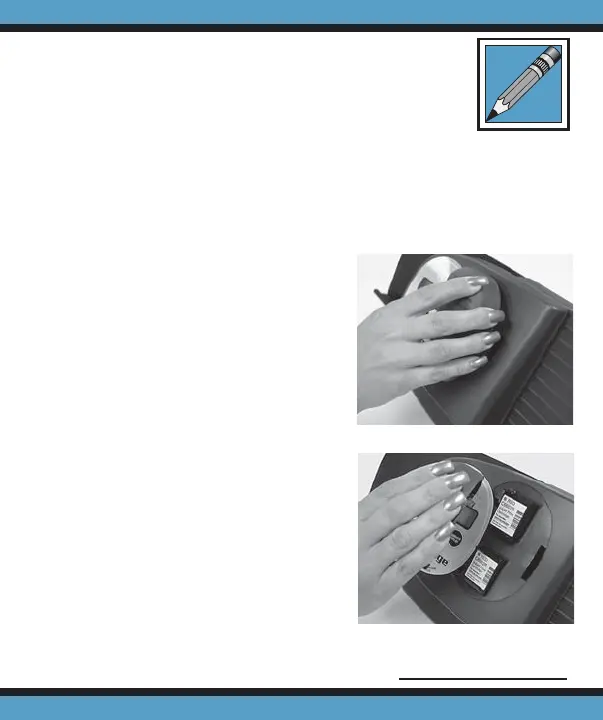
1. Squeeze the print cartridge
cover and rmly press in
the tab located on the right
side to disengage the cover
(Fig. 1). Lift the cover away
from the scanner (Fig. 2).
2. Remove the protective
tape that covers the silver
nozzle plate of the car-
tridge (Fig. 3, pg. 16).
3. Insert the print cartridge
into the scanner (Fig. 4, pg.
16).
Continued on page 16
Print Cartridge Operations
Figure 1
Figure 2



 To Next Page