2
Advantage must be programmed with the correct answer
pattern prior to scoring answers sheets. To program the
scanner, simply insert the teacher key. When properly keyed,
Advantage will display the number of questions keyed on the
display window and you may begin inserting answers sheets
for scoring. Advantage will score up to 200 questions keyed.
Preparing the Key
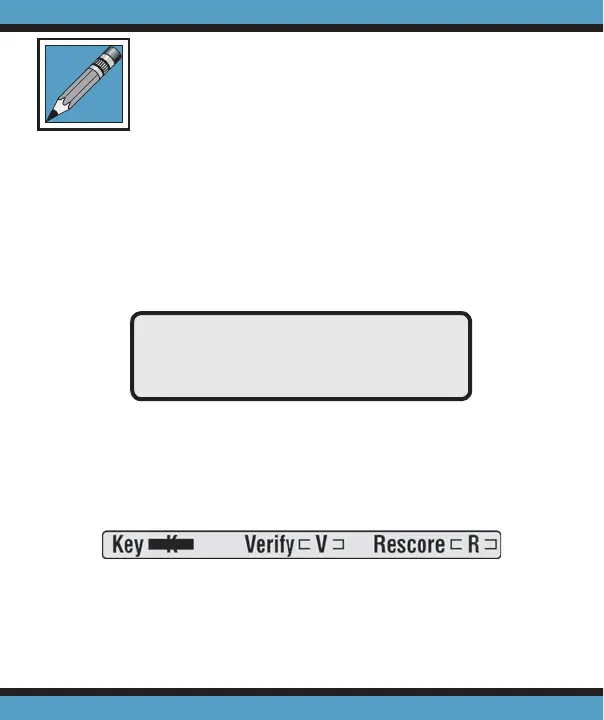
To designate an answer sheet as a key, mark the Key
bubble [K] in the keyline as shown below.
When the Verify [V] option is marked on the keyline,
correct answers are printed on individual student answer
sheets. If the Verify [V] bubble is not marked, a dash (-) prints
KEYED 30
Scoring Tests



 To Next Page