18
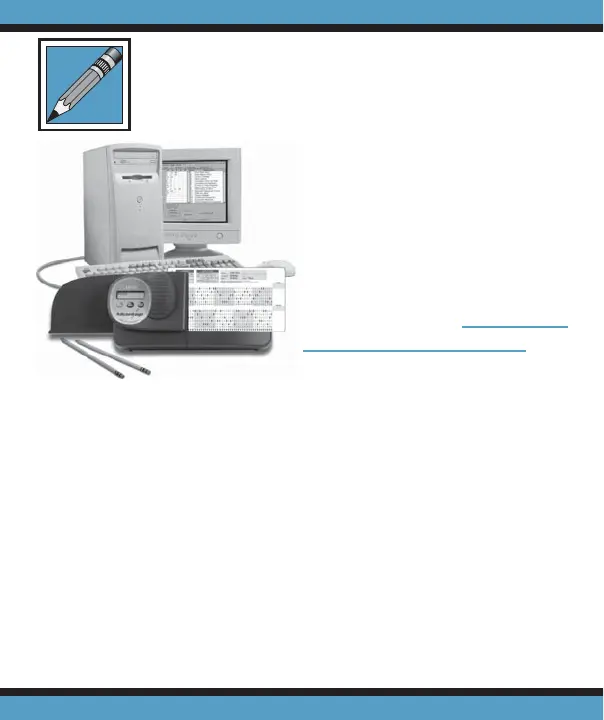
Advantage 1200 can con-
nect to a computer through
USB or with a standard 9-pin
serial cable. To use the USB
connection, it is fi rst necessary
to install the USB driver on the
computer. This driver can be
downloaded from www.apper-
sonedu.com\downloads.
Using your Advantage™
scanner with DataLink™ software you can create ASCII fi les
of data transmitted from the scanner. DataLink™ is a soft-
ware application developed by Apperson for retrieving data
from Apperson’s line of test scoring scanners. DataLink™
also includes test analysis reports and a survey tabulation
report. Data collected using DataLink™ can be saved and
used by spreadsheets, databases or statistical applications.
DataLink™ is a PC application.
Advantage transmits ASCII data in a variety of formats. If
you are building a customized interface for a specifi c applica-
tion, contact Apperson for documentation on communication
specifi cations.
Connecting the Advantage to
a Computer



 To Next Page