21
Cleaning the Read Sensors
and Clearing Paper Path
Paper dust or erasure debris can interfere with normal
operation of the read sensors. If you are experiencing incon-
sistent scoring or a blocked paper path, take the following
steps to correct the problem. After cleaning, always calibrate
the scanner (refer to page 19).
Removing Cover Assembly
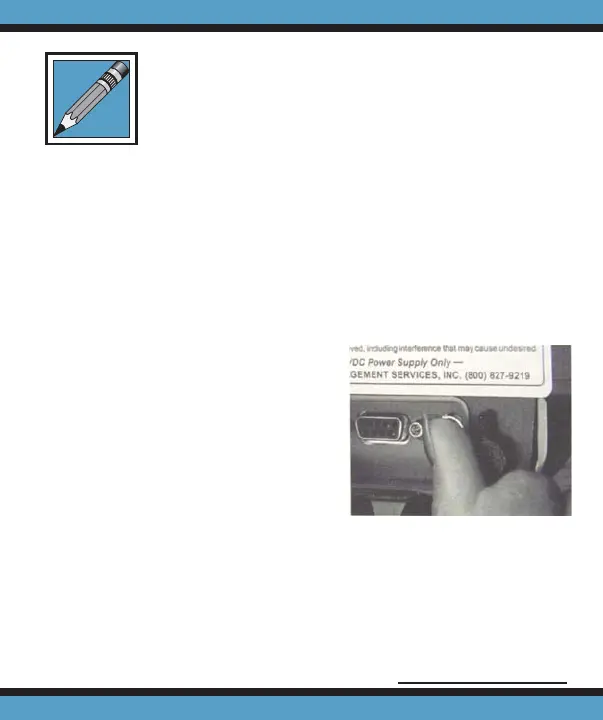
1. Unscrew the thumbscrew
on the backside of the
scanner (Fig. 1).
2. Remove the cover assem-
bly from the back chas-
sis.
Cleaning the Scanner
1. Using a slightly damp tissue clean any paper dust or
ink spray on the back chassis (Fig. 2, pg.22).
2. Use canned air spray to clear any dust particles on the
Figure 1
Continued on page 22



 To Next Page