20
If you are experiencing irregular test scoring, take correc-
tive action by calibrating the scanner. In most cases this will
resolve the problem. We recommend cleaning the scanner
read sensors prior to calibration (refer to page 21).
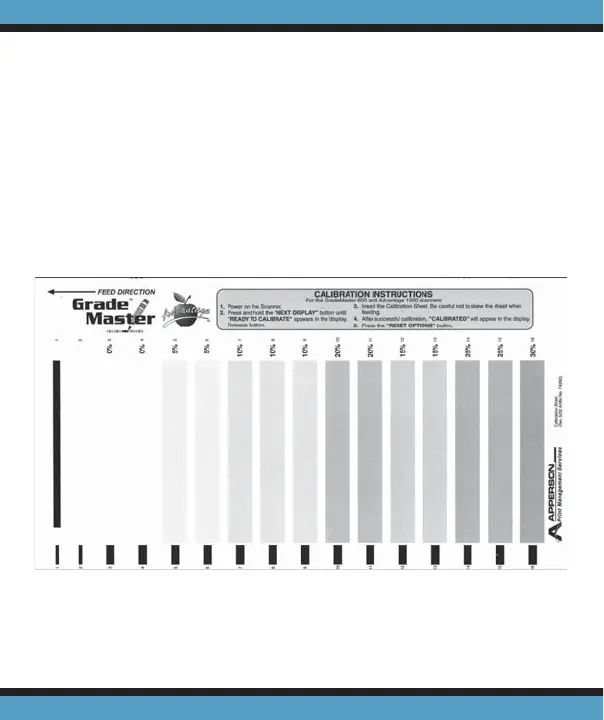
To calibrate Advantage follow the instructions printed on
the calibration sheet.
Calibrating Advantage . . .
Calibration Sheet



 To Next Page