13
To obtain the results from data collection processing,
insert side 1 (and side 2, if necessary) of Tally Report Form
23580 through the scanner. This form will provide a tabula-
tion of all marks entered during batch processing. The Tally
Report Form can be inserted at any time during or after batch
processing without interruption of the tabulation process.
Warning, pressing the Reset Options button will clear all
data collection information.
Continued on page 14
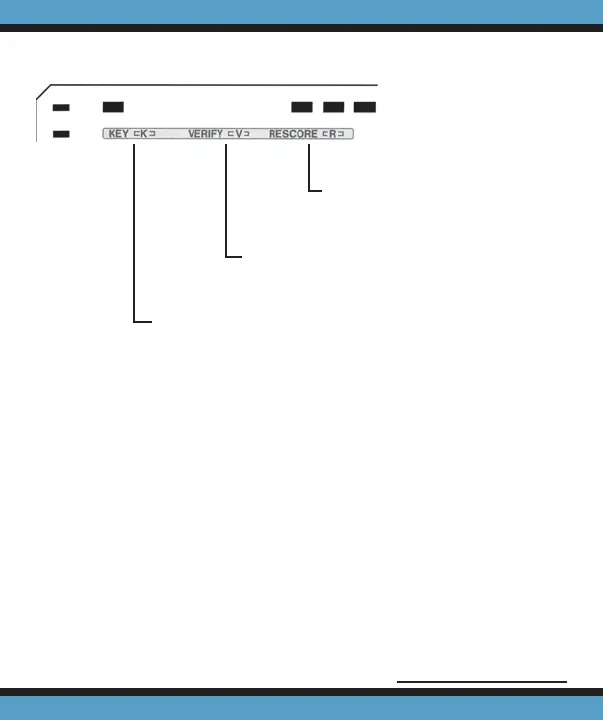
Mark ‘R’ if you will be perform-
ing data collection on both
sides of the sheet.
Mark ‘V’ if you want a scan verifi cation
number printed in the score box of each
sheet.
Mark ‘K’ to accept only one selection per row. If you
select the ‘K’ option, when a sheet contains multiple
selections on a row, none of the selections for that
row will be included in the tally. If the ‘K’ option is not
marked on the fi rst sheet scanned, multiple marks will
be allowed throughout batch processing.
MARK THESE OPTIONS ON THE FIRST SHEET ONLY.



 To Next Page