7
window. To view the number of wrong answers for each ques-
tion, press the Summary Display button twice. Follow the
instructions displayed in the window for viewing the tally of
wrong answers. While viewing this information you can con-
tinue processing additional answer sheets at any time.
Tally of all Marks Made
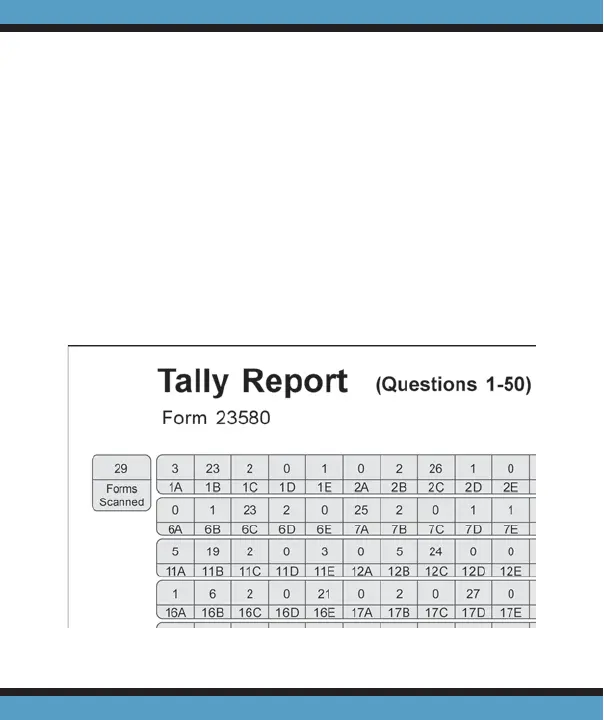
Use Tally Report Form 23580 to get a report listing a tally
of all marks entered by students. This report can be useful for
a detailed analysis of student selections on frequently missed
questions. The scanner will keep a tally of all marks selected
for up to 100 questions.



 To Next Page