19PCI/ PCI Express-Communication User Manual
Chapter 2 Hardware Configuration
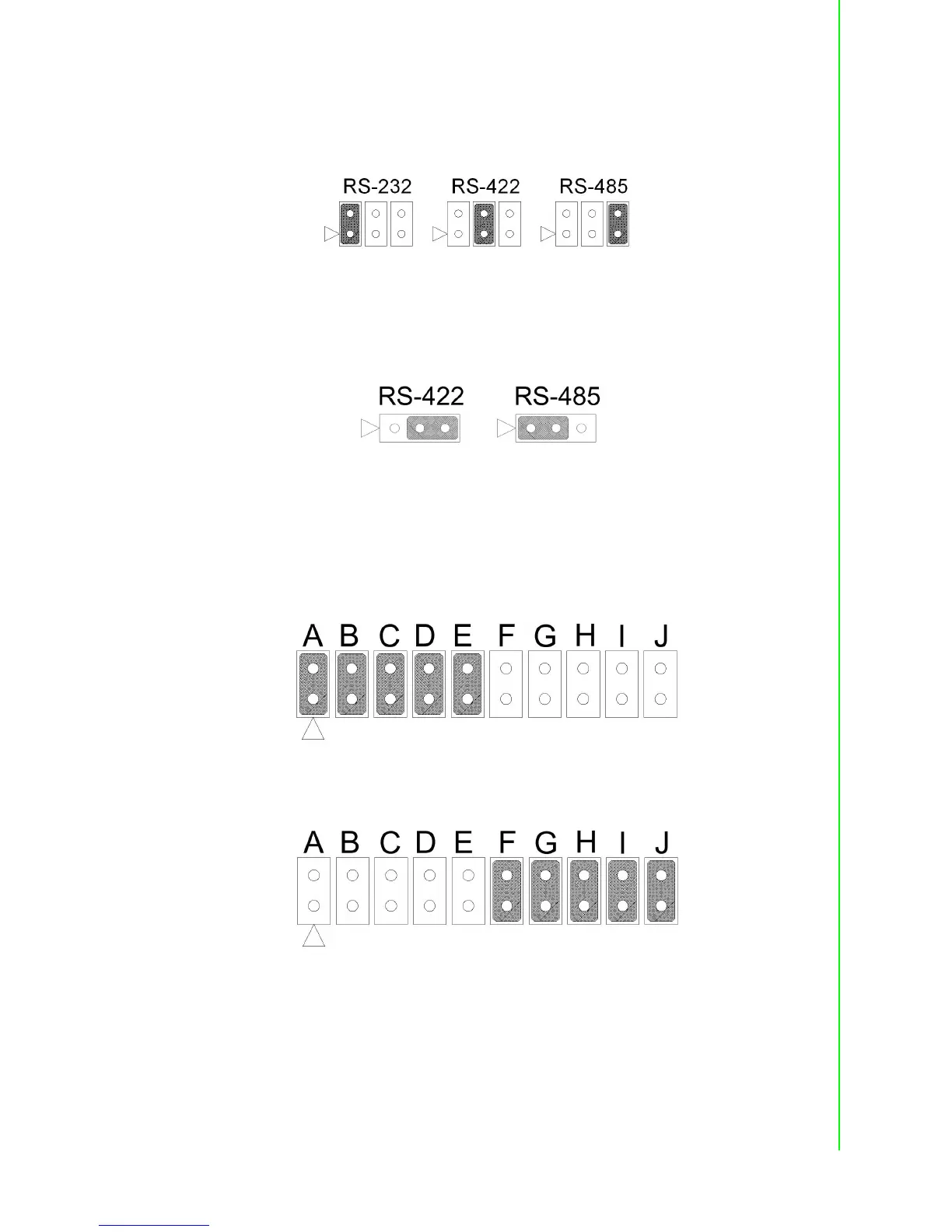
2.3.3.2 RS-232/422/485 Selection (for PCIe-1622A/B)
Should you wish to configure the PCIe-1622A/B to operate in the RS-232 or RS422/
RS-485 mode, you will locate jumpers at CN10 to CN17 to make connection as
shown below.
Figure 2.16 PCIe-1622 Series RS-232/422/485 Selection
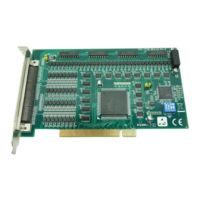
2.3.3.3 RS-422/485 Selection (for PCI-1601A/B/1602/1602UP)
You can set each port individually for either RS-422 (the default) or RS-485 opera-
tion.See section 2.2 “Jumper and Switch Locations” for help to locate the jumpers.
Figure 2.17 RS-422/485 Selection by Jumper Setting
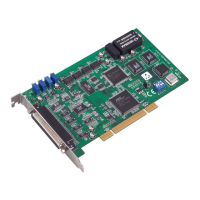
2.3.3.4 PCI-1603 RS-232/Current-loop Mode Selection
For RS-232 mode operations, the jumpers will be set as the default mode. The jump-
ers on the 10*2 pin jumper must be set to A, B, C, D and E.
Figure 2.18 PCI-1603 RS-232 Mode Jumper Setting
To enable the channel to operate in the current-loop mode, you should set F, G, H, I
and J on the 10*2 pin jumpers.
Figure 2.19 PCI-1603 Current-loop Mode Jumper Setting


 To Next Page