9
Function Keys
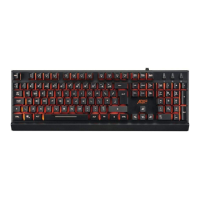
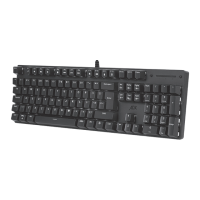
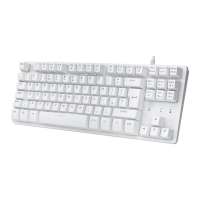
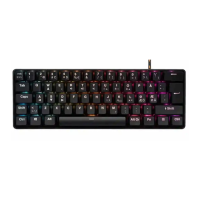
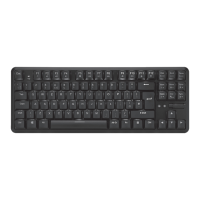
Front View
Insert PgUpHome
Delete PgDnEnd
Caps
Tab
Shift
Shift
Ctrl
Ctrl
Alt
Alt Gr Fn
Q W R T Y U I O PE
Z C V B N M
< >
?
, .
/
X
A S F G H J K LD
F1
Esc
F2 F3 F4 F5 F6 F7 F8 F9 F10 F11 F12
:
´
;
@
{
[ ]
}
Screen
Print
Break
Pause
Lock
Scroll
˜
#
1 2
£
3
!
¬
`
¦
6
$
4
€
5
^
%
7 8 9 0
–
-
+
=
&
*
( )
\
|
1 32
4 5 6
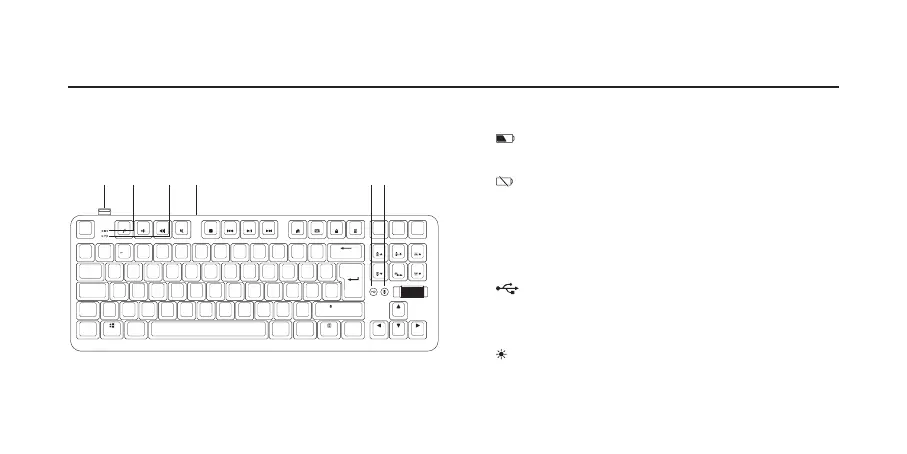
1. Dongle
2.
Battery Charging Indicator
Light up red while charging
3.
Low Battery Indicator
Flash blue in low battery
4. USB Type-C Socket
Connect the cable to your computer for charging and
wired connection
5.
Wired Button
• Press to switch wired mode On/O.
• The button will light on in wired mode.
6.
Keyboard Light On/OFF Button
• Press to switch On/O the keyboard’s backlights.
• Light up while backlight mode is On.



 To Next Page