27
PD201806 AEG GRID-TIED SINGLE-PHASE SOLAR INVERTER V.1-18 EN
27
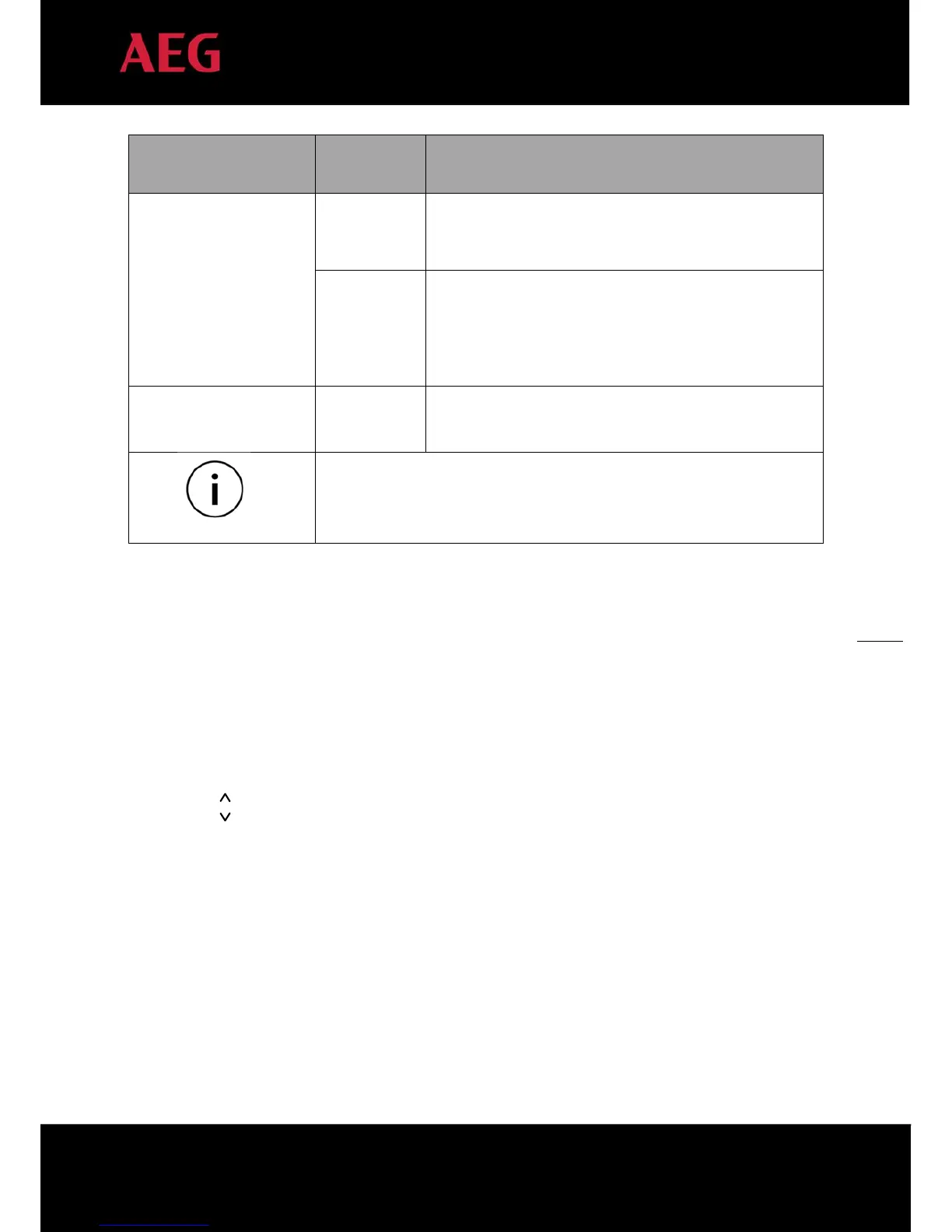
Inverter state
LED indicators Description
Hardware or software fault (E003, E004, E005, E008, E009,
E011, E013 or E015). De-couple the inverter from the system
before maintenance.
Red indicator is on, others are off :
Current-leakage or unqualified output power energy of the
inverter (E007, E010, E014, E017, E018 or E020). De-couple the
inverter from the system before maintenance.
Manual turn off
All indicators are on:
Stop after the communication or panel command.
Please refer to chapter 5 and 7 for detailed fault information and troubleshooting.
Table 15: Inverter states
5.2 Operation panel
The following drawings and instructions only apply if you have optionally ordered AS-IR01 and AS-IR01-2 with LCD
display. Only in models with optional LCD display, there are 4 buttons on the panel:
1. “ESC”, exit and return ;
2. “
”, back to the front page and data increasing;
3. “
”,to the next page and data decreasing;
4. “ENT”, enter.
The machine can be turned on and off by pressing the buttons: press "ESC" and "ENT" (about 3 seconds) at the same
time; this activates the quick start-up and stop function.


 To Next Page