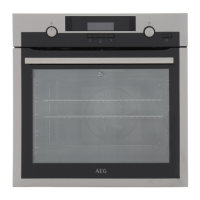
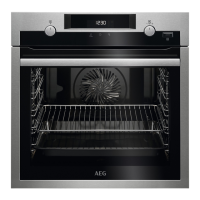
6.1 Initial cleaning
Before the first use, clean the empty appliance and set the time:
00:00
Set the time. Press .
6.2 Initial preheating
Preheat the empty oven before the first use.
Step 1 Remove all accessories and removable shelf supports from the oven.
Step 2
Set the maximum temperature for the function: .
Let the oven operate for 1 h.
Step 3
Set the maximum temperature for the function: .
Let the oven operate for 15 min.
The oven can emit an odour and smoke during preheating. Make sure that the room is ventila‐
ted.
7. DAILY USE
WARNING!
Refer to Safety chapters.
7.1 How to set: Heating functions
Step 1 Turn the knob for the heating functions and select a heating function.
Step 2 Turn the control knob to set the temperature.
7.2 Heating functions
Heating function Application
True Fan Cooking
To bake on up to three shelf positions at the same time and to dry food.
Set the temperature 20 - 40 °C lower than for Conventional Cooking.
50/152
DAILY USE


 To Next Page