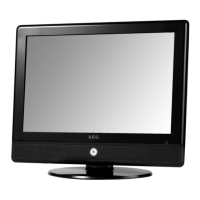
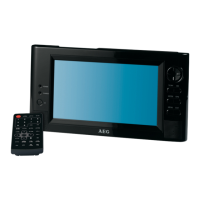
Connect the telescopic antenna or the cable of the DVB-T ■
antenna system or your DVB-T house antenna to the ANT. jack on
top of the unit.
Side Panel Inputs USB port (Fig. 1/3)
Connect a USB device directly to the port of the unit.
Card slot (Fig. 1/2)
Insert an MMC/SD or MS card with the label to the front in the card
slot on the front of the unit.
Turn Unit On (Fig. 1/17)
Turn the unit on by sliding the “ON POWER OFF” main switch on the
side of the unit to “ON”.
Connect to Other Devices
Connect Other Playback Devices
Connect the A/V cable to AV IN (Fig. 1/21) and to the playback device
to view images of another playback device (such as digital camera).
Press the TV/AV button (Fig. 2/27) to switch the unit to AV IN mode.
Connect TV Set Connect the A/V cable to AV OUT (Fig. 1/19) and to the TV set to view
images on the TV set.
Switch the TV set to AV IN. Observe the TV’s user manual.
Change Display Settings
Press the ■ MODE button (Fig. 2/8) and use the (p/q) navigation
buttons (Fig. 2/20) to toggle between picture and systems menus.
Press the ■ u navigation button to change to the desired menu.
Press the ( ■ p/q) navigation buttons (Fig. 2/20) to select the op-
tion. Press the navigation buttons (u/t) to change the setting.
Press the ■ ENTER button (Fig. 2/21) to return to the previous menu.
Press the ■ MODE button to exit the picture setup menu.
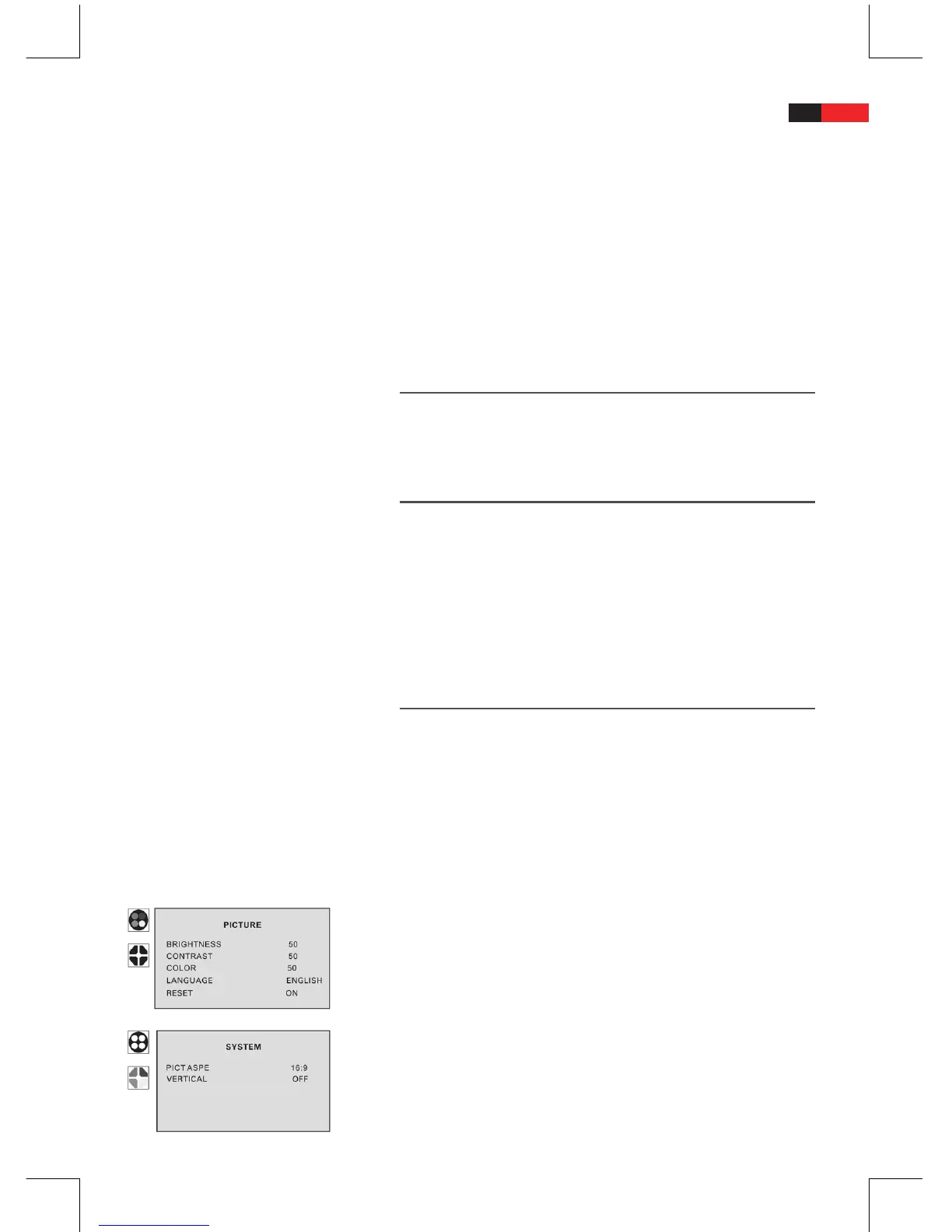
PICTURE
In the “picture“ menu set brightness, contrast, saturation and OSD
language. Use “Reset“ to reset all settings to the default values.
SYSTEM


 To Next Page