Software Upgrade:
■
Here you can install new software with a USB
stick, if necessary.
Factory Default:
■
Here you can reset the unit to the factory
settings.
Version:
■
Display information about the receiver and the installed
software.
USB Port / Card Slot (Fig. 1/2, 3)
USB port and card slot allow you to play video, audio and image les.
This unit is designed according to the latest USB and memory card de-
velopments. Due to the large number of dierent data devices on the
market we cannot guarantee total compatibility with all USB devices
and memory cards. In some cases playback problems from USB devices
or memory cards can occur. This is no malfunction of this device.
Connect a USB device or insert a memory card to the correspon-
B
ding port/slot.
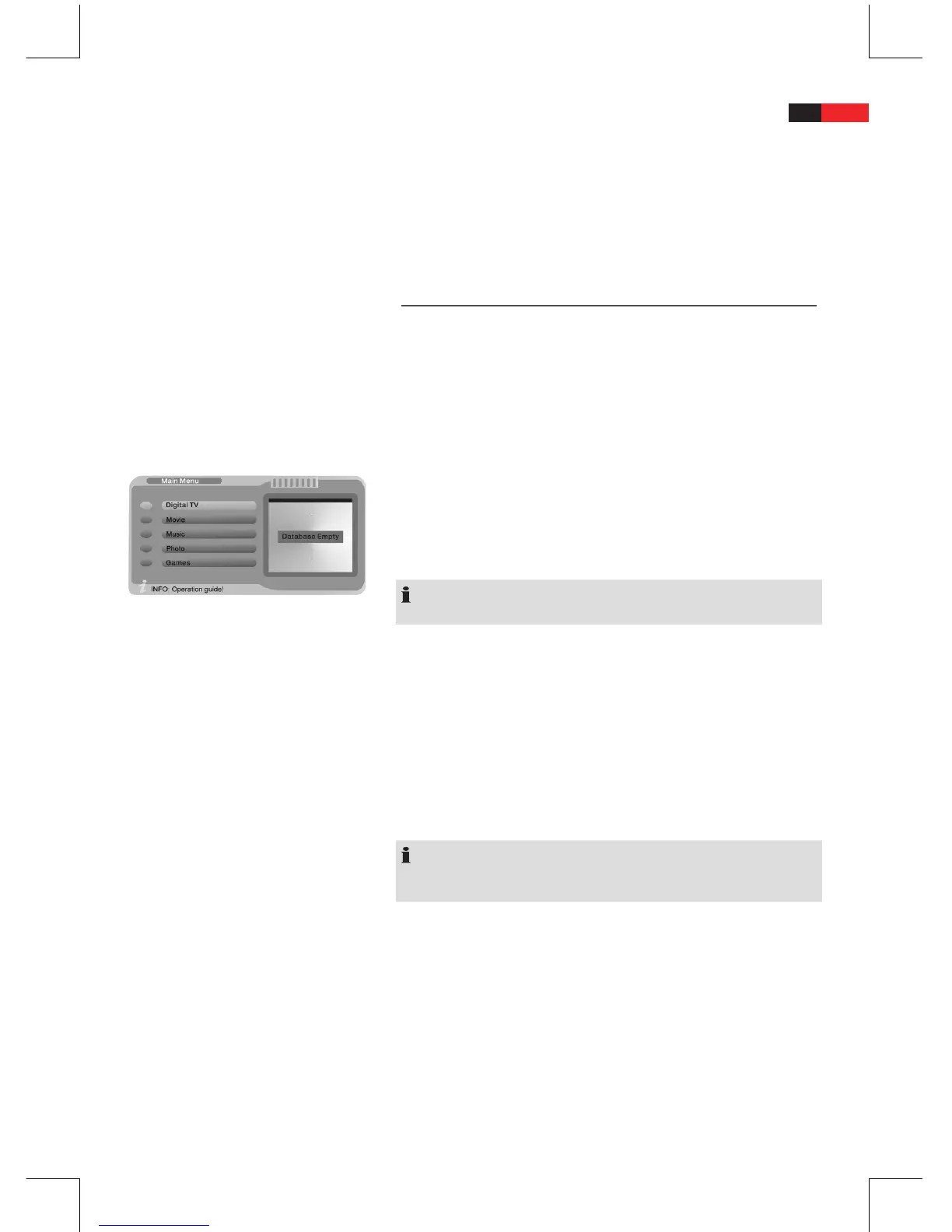
In the main menu select one of the options:
B
Movie
•
Music
•
Photo
•
NOTE:
Only the selected le types are displayed.
Press the “ENTER” button. A new window opens.
B
If a USB device and a memory card are connected at the same
B
time, then use the navigation buttons ▼ and ▲ to select the
desired media.
Press the “ENTER” button. The unit now operates in le mode.
B
Use the navigation buttons
B
▼ and ▲ to select the le to be
played or viewed.
Press the “ENTER” button.
B
Press the
B
button to return to le mode.
NOTE:
Press the “EXIT” button to return to the upper level directory if a
directory was selected.
Repeat song or video
Repeatedly press the “REPEAT” button (Fig. 2/17) to select one of the
following repeat mode:
• Repeat-One: Repeat the current le.
• Repeat-Dir: Repeat the les of the current folder.
• Repeat-Shu.: Play les in random order.
Cancel repeat function
Repeatedly press “REPEAT” button until the display shows “Repeat-
O”.


 To Next Page