- 19 / 50 - BN 09 2671/01/01
6.5 MONITORING FUNCTION
6.5.1 How to Display the Measurements
You will find the measurements menus under the Monitoring function. The Monitoring function will display all relative
meter indications on the top line of the LCD.
Follow the instructions below.
The top line ("Outp") will display the battery voltage and the total charger current (battery + load).
Display resolution is 1 decimal for V and A <100 and no decimal for values > 100.
In order of appearance the following measurements can be displayed:
Load voltage and current*
Battery current (charge and discharge)*
Battery voltage and total charger current
AC input voltage*
Battery temperature*
Ambient temperature*
AH Meter*
Remaining charge time* (if in High rate or Commissioning charge)
Date and Time
Customized measurements (depends on system configuration)
* Menu can be disabled on customer demand.
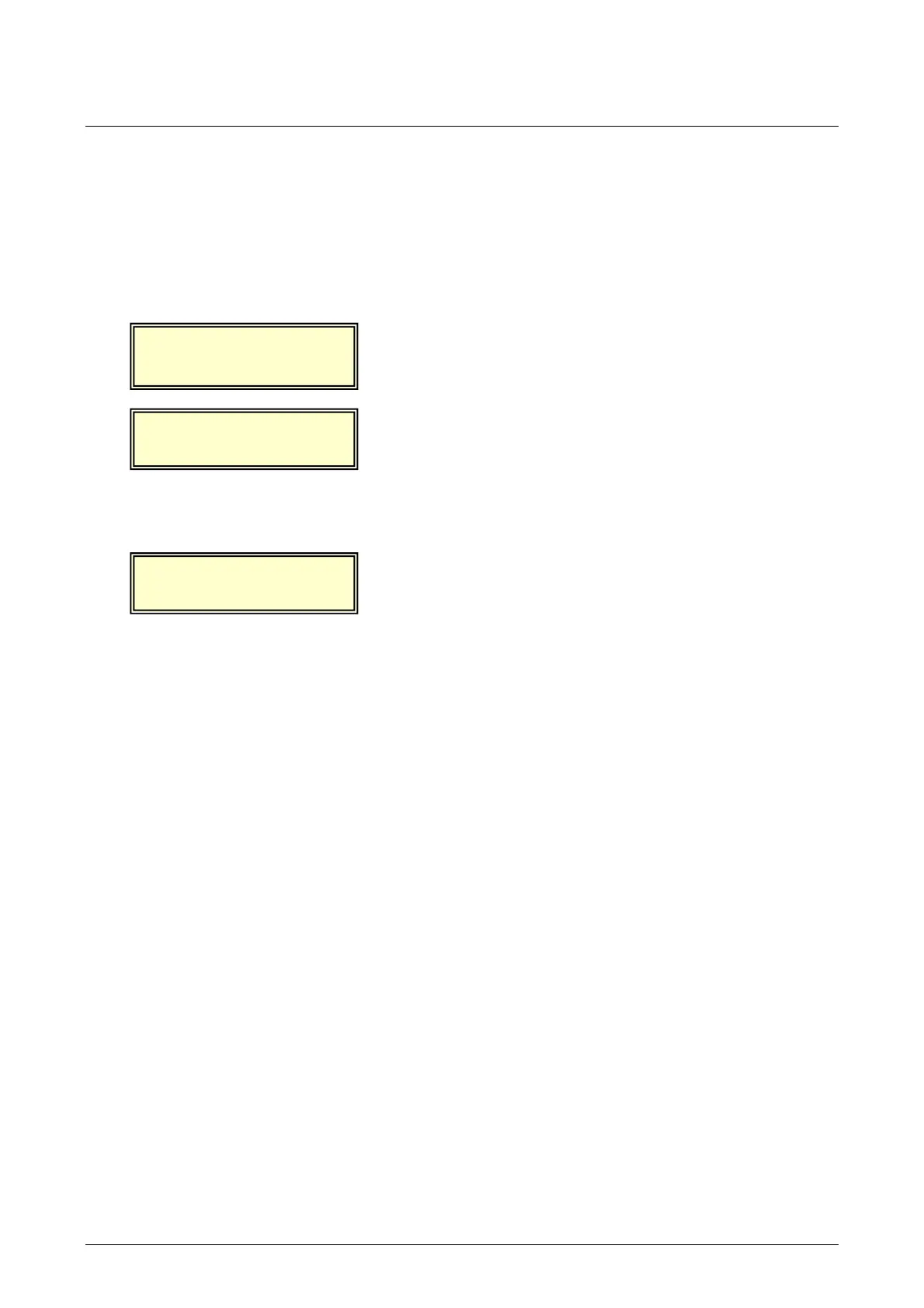
FLOATING CHARGE
Monit Confg Cmnd
MEASUREMENTS
Next
ie
Exit
Outp:28.4V 23.5A
Next Back Exit
From the main menu select ‘Monit’.
Select ‘View’.
The ‘Next’ key can be used to scroll through all available
measurements.


 To Next Page
 Loading...