19
Number Displayed name Range Default Note
17 Current limit O / Current limit / Power limit O
Current limit: it ranges from 0 to 100A and the default is 16A.
Power limit: it ranges from 0.0 to10.0kW and the default is 3,0
kW.
Minimal value: 0~15A, 1A defaulted.
Electric heater: the user is allowed to set the power from
0~15kW, 3kW defaulted.
18 Address 1~125] [127~253] 1 --
19 Refri. recovery On/O O --
20 Memory contact On/O O --
21 3-Way valve1 Without / DHW / AIR Without --
22 Hot water control mode Auto / Manual Auto
23 SG On/O O
24 Cool control mode On/O O
25 Heat control mode On/O O
26 HWPS Limit Function On/O O
There are three highest speeds of the water pump: high,
medium, low.
27 Water pump antistall On/O O
Water pump antistall interval: 1~12h, 2h defaulted;
Water pump antistall duration: 10~100s, 30s defaulted;
Commissioning Parameters Setting
Number Name Displayed name Range Default Note
1 T-HP max T-HP max 40~55°C 50°C
6.1 SETTING THE CONTROL LOGIC CTRL.STATE
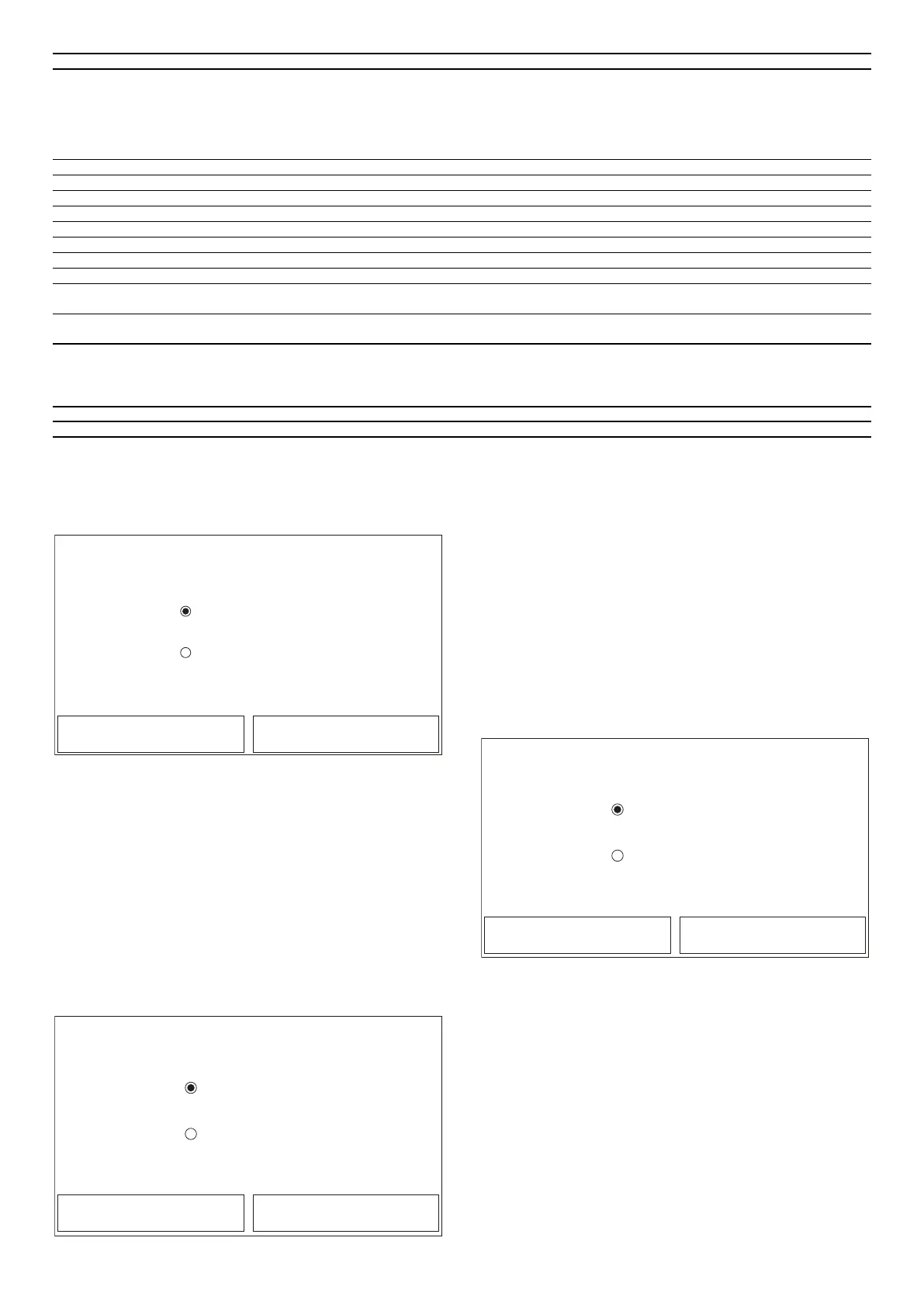
At the commissioning parameter setting page, by touching “Ctrl. state”, it can be set
to “T-water out” or “T-room”.
Ctrl. state
T room
T water out
OK Cancel
After accessing the “Ctrl.state” function, you can choose whether to base the unit
control logic on the processed water temperature or on the ambient air temper-
ature (if the air probe accessory is installed and correctly set). Select the required
logic, then press “OK” to conrm.
Note:
— If the ambient air probe accessory is not installed (and correctly set), you can
only choose “T-water out”;
— If the relative function is activated (paragraph "8.1 Activating/deactivating
the memory (On/o memory)p.32"), the value of these parameters will be
stored in the memory and automatically reset after any possible voltage failure.
6.2 SETTING THE STATUS OF THE 2WAY VALVE IN
COOLING MODE COOL 2WAY VALVE
Cool 2 way valve
On
O
OK Cancel
After accessing the “Cool 2-Way valve” function, you can set the status of the 2-way
valve in cooling mode (for more information about the assembly and use of the
2-way valve, refer to the installation manual). Select the required logic, then press
“OK” to conrm.
It is optional. When there is a radiant oor system and radiators, it can be used to
control the system.
Note:
— If you select the “O” status, the valve will be CLOSED in cooling mode; it will be
OPEN if you select “On”;
— If the relative function is activated (paragraph "8.1 Activating/deactivating
the memory (On/o memory)p.32"), the value of these parameters will be
stored in the memory and automatically reset after any possible voltage failure.
6.3 SETTING THE STATUS OF THE 2WAY VALVE IN
HEATING MODE HEAT 2WAY VALVE
On
O
OK Cancel
Heat 2 way valve
After accessing the “Heat 2-Way valve” function, you can set the status of the 2-way
valve in heating mode (for more information about the assembly and use of the
2-way valve, refer to the installation manual). Select the required logic, then press
“OK” to conrm.
Note:
1. If you select the “O” status, the valve will be CLOSED in heating mode; it will
be OPEN if you select “On”;
2. If the relative function is activated (paragraph "8.1 Activating/deactivating
the memory (On/o memory) p. 32"), the value of these parameters will
be stored in the memory and automatically reset after any possible voltage
failure.
6.4 SETTING SOLAR SYSTEM INTEGRATION SOLAR
SETTING
Function currently NOT AVAILABLE.



 To Next Page