BSM Evolution USB - Compact ON AIR console
AEV Broadcast Srl, via della Tecnica 33 – 40050 Argelato (BO) Italy
Web site www.aev.eu e-mail info@aev.eu
11
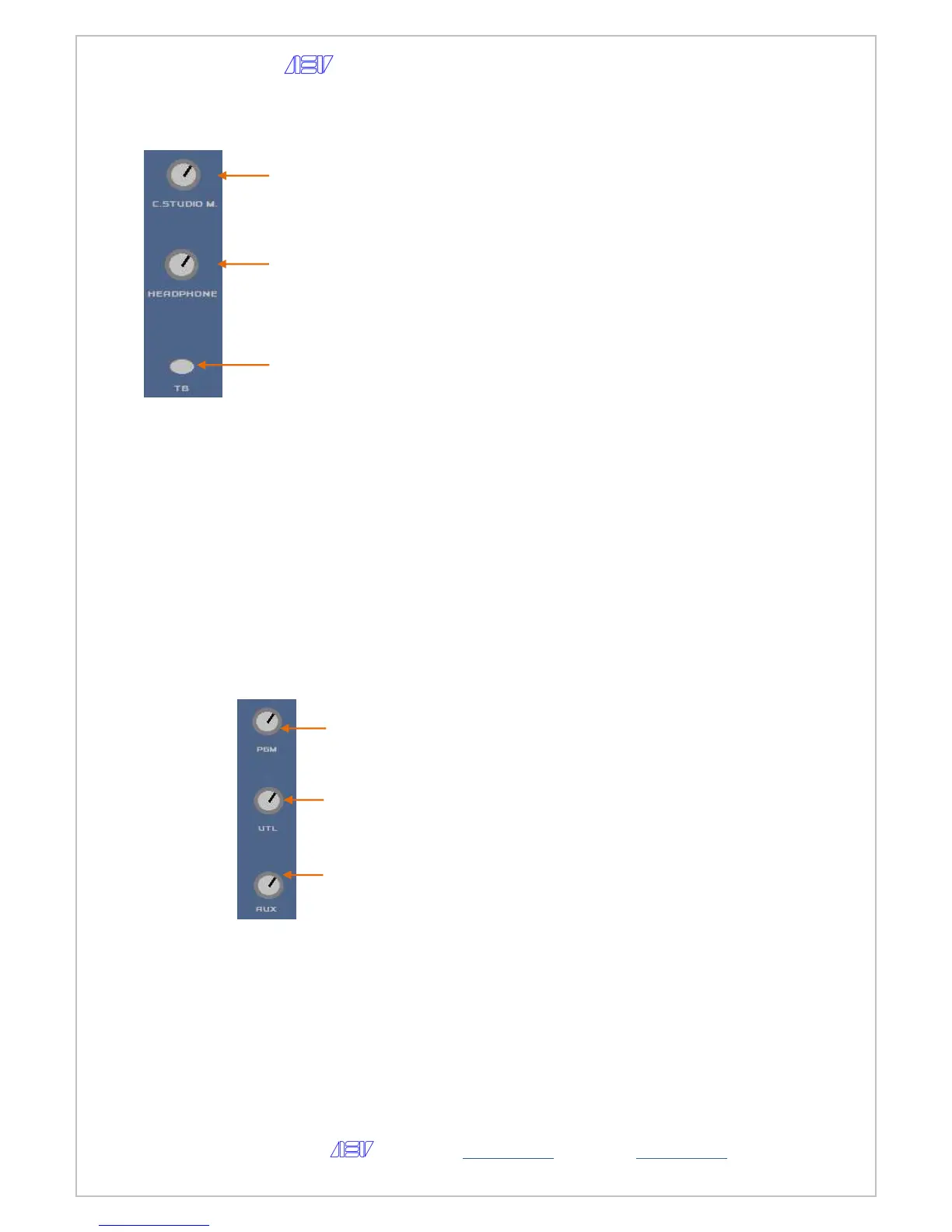
Monitoring & Service section
8 - level potentiometer the Control Studio
Mutable outputs
9 - level potentiometer of the headphone
10 - Button to active the Talkback function to the
Control Studio outputs.
Talk back Regia to Studio:
When the TB (talk back) button is pressed, the
signal of the enabled microphone is sent to the
Control Studio output.
• Channel with microphone talkback to studio
• Channel in STOP
What happens:
o the previous selection of the Control Studio
flashes
o the audio signal present in the Control studio is
replaced by the channel selected in TB
o
Talk back Studio to Regia :
• Contact TB Studio closed. What happens when the
remote TB (talk back) button is pressed:
• - the Talk back button on the console flashes
• - the previous selection of the Control Room
flashes
• - the audio signal present in the Control Room is
replaced by the Studio microphone channel
• - the signal of the enabled microphone is sent to
the Control Room output.
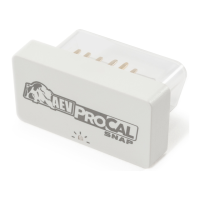
Master Outputs section
8 - level potentiometer the PGM outputs.
9 - level potentiometer the UTL outputs.
10 - level potentiometer the AUX outputs..


 To Next Page