BSM Evolution USB - Compact ON AIR console
AEV Broadcast Srl, via della Tecnica 33 – 40050 Argelato (BO) Italy
Web site www.aev.eu e-mail info@aev.eu
7
Micro - Line channel ( channels 1 – 4 )
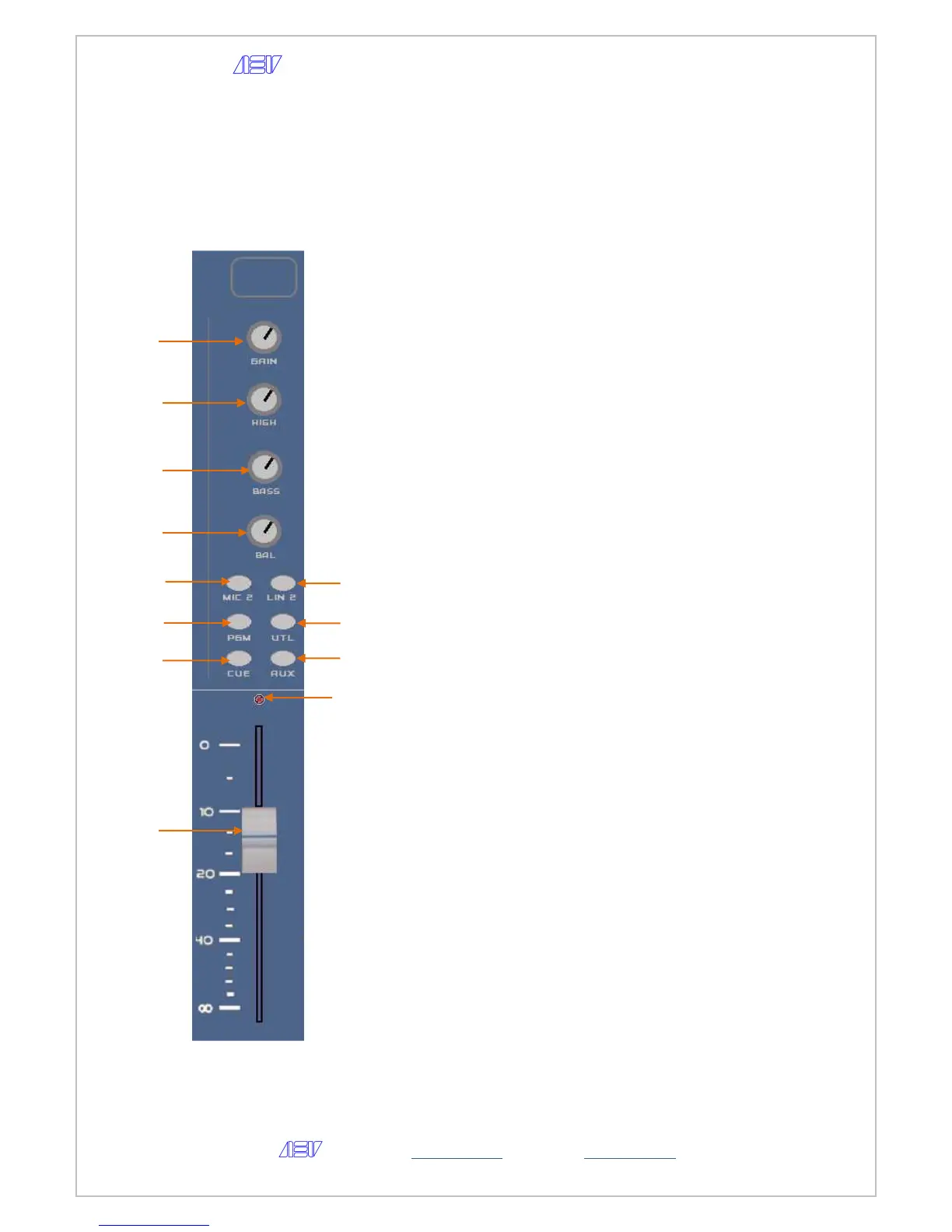
All controls on the Micro-Line input channel are described below.
1 – GAIN potentiometer.
2 – TREBLE potentiometer band adjust
3 – BASS potentiometer band adjust
4 – BALANCE L/R potentiometer adjust
5 – Button for selecting the input microphone source
(only with the channel in STOP)
6 – Button for selecting the input stereo line source
(only with the channel in STOP)
7 – Button for routing the channel to the PGM bus
8 – Button for routing the channel to the UTL bus
9 – Button enabling the preview CUE
10 – Button for routing the channel to the AUX bus
11 – Fader
12 – Start channel led


 To Next Page