3
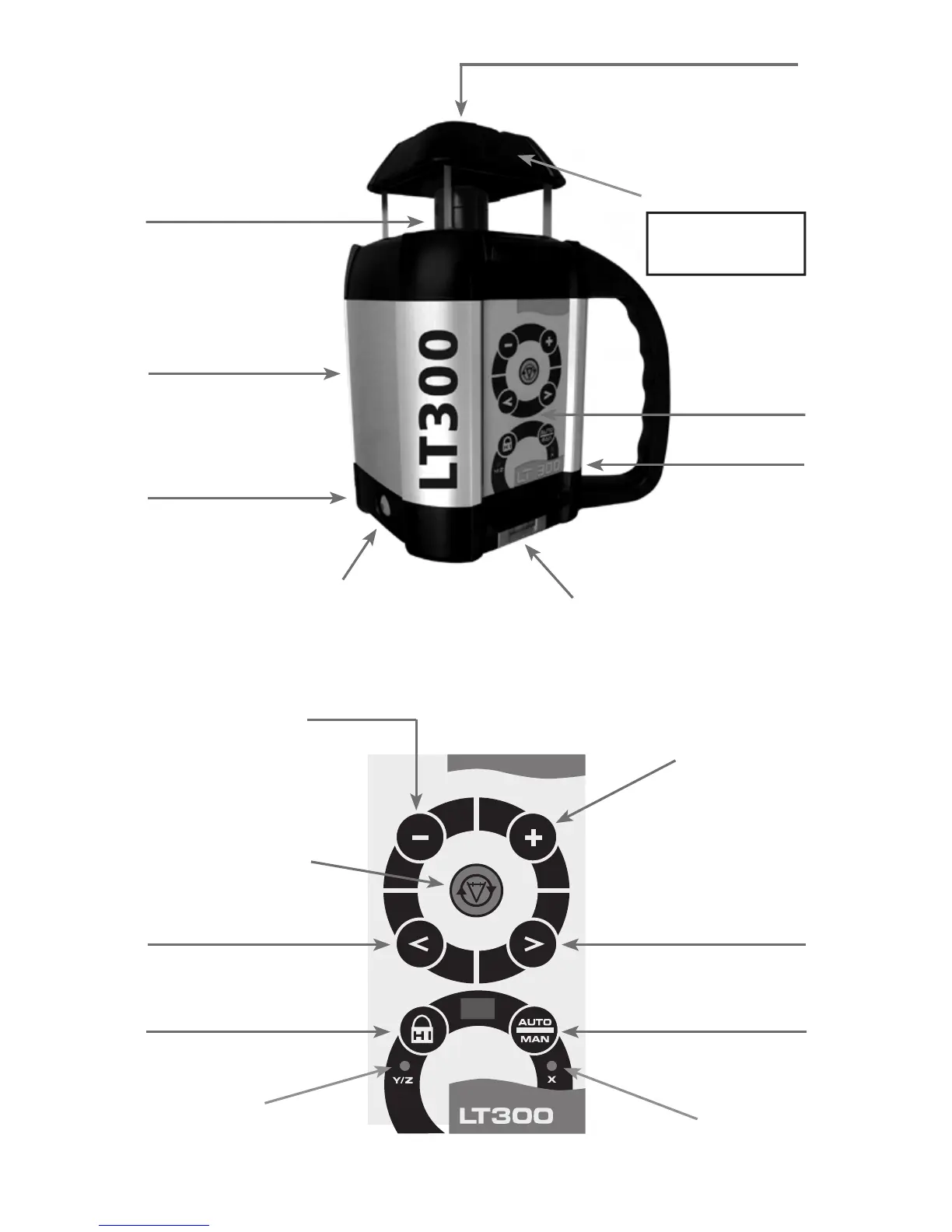
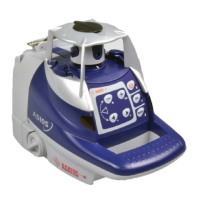
Laser Overview
Keypad Overview
3. Charger jack
6. Adjustable feet
for vertical setup
4. Bubble vial for
vertical setup
1. H.I. Alert 2. Auto / Manual mode
3. Scanning on / off
4. Increase rotation speed /
scanning angle
5. Decrease rotation speed /
scanning angle
7. Laser keypad
5. On/Off
1. Rotating laser beam
(head enclosed in glass lighthouse)
Caution/Certification Label
(see previous page)
2. Non-rotating laser beam
for plumb, squaring, or
pipeline
Avoid exposure.
Laser light is emitted
from this aperture.
Safety Label
9. LED H.I. Alert /
Y & Z axes calibration
6.
Slope match / Move scan
plane or plumb point to left
7.
Slope match / Move scan
plane or plumb point to right
8. LED for manual
m
ode / X axis
calibration



 To Next Page