DX-D 100 Mobile X-ray Unit
User Manual
48
0188K EN 20201116
3.5 X-RAY HANDSWITCH
Radiographic exposures are initiated with the “Prep” (preparation) and “Exp”
(X-ray exposure) two-stage Handswitch. The status of the exposure is indicated
by the “Ready”, “Prep” and “X-ray On” indicators for the duration of the
exposure.
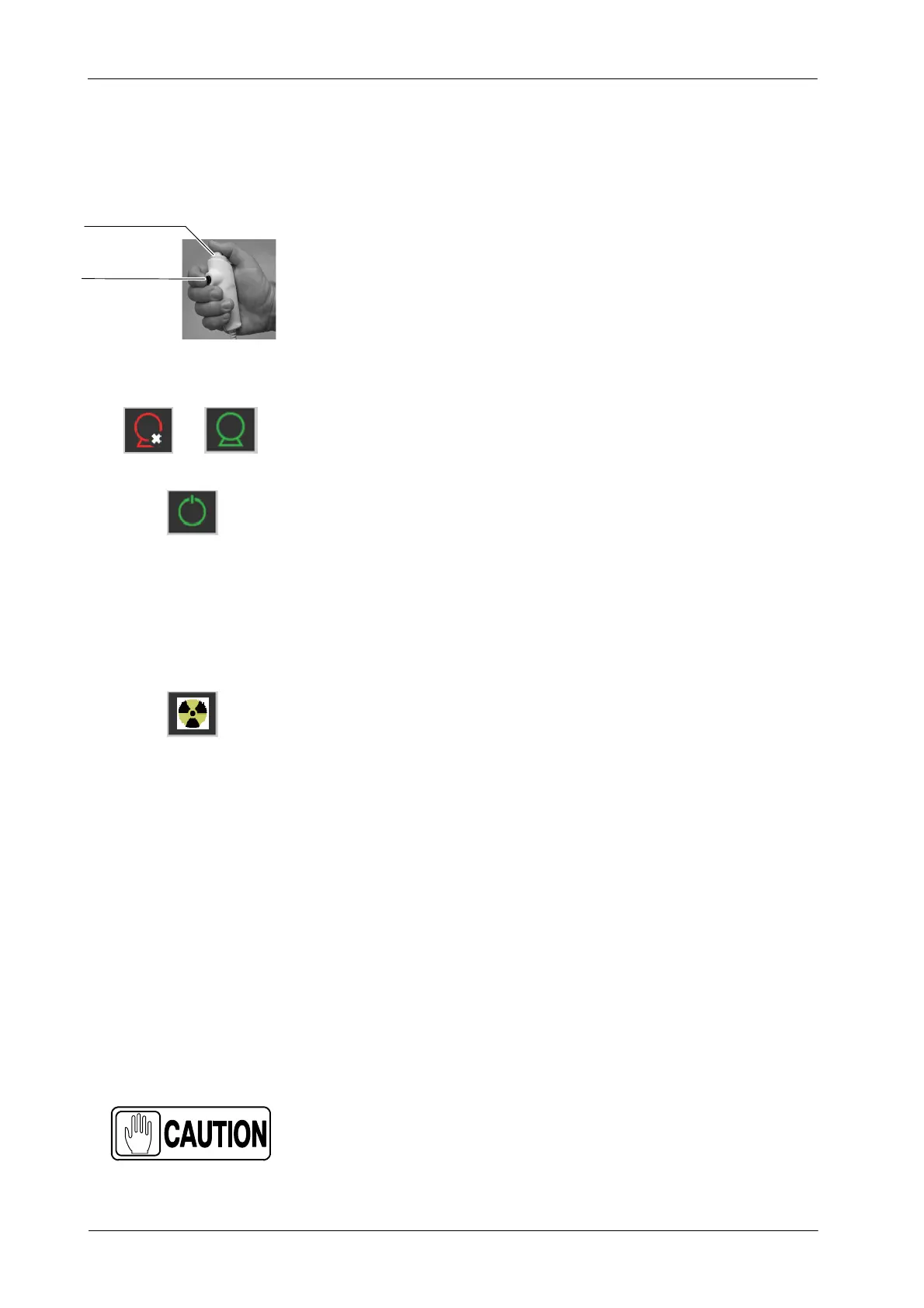
The X-ray Handswitch button has three positions: “Off”, “Preparation”, and
“X -ray Exposure”.
Press the Handswitch half-way for “Prep” and fully for “Exp”.
READY: Indicates that the selected technique is properly set and there are no
interlock failures or system faults.
PREP: Press the Handswitch half-way (“Prep” position) to prepare the X-ray
Tube for exposure. The “Prep” indicator will light when the X-ray Tube is
prepared and there are no interlock failures or system faults.
After pressing this push-button, the following functions are activated:
Anode rotation.
Filament current switches from stand-by to the selected mA.
X-RAY EXPOSURE: After pressing the Handswitch completely, the X-ray
exposure is made, the “X-ray On” indicator on the Console will light and an
audible signal sounds during the length of exposure.
The unit c annot perform exposures when the Arm is secured in the
parking position.
Depending on the configuration, the unit cannot perform
exposures when the Arm with the Tube-Collimator Assembly is
straight above the Control Panel (but not secured in the parking
position); in this configuration the Column must be taken out of
the 0
_
rotation position to be able to make exposures.
COLLIMATOR LAMP: This X-ray Handswitch includes an extra Collimator
Lamp Button that helps patient positioning. Pushing this button will turn on the
Collimator Lamp. The Lamp r emains illuminated for a few seconds before
automatically switching off.
The handswitch cable must be placed in such a way not to
interfere the extraction or insertion of the Detector in its
housing inside the Holder.
OFF / Prep / Exp
Collimator Lamp
ReadyNot Ready
Note .



 To Next Page