Chapter 2 — Installing the scanner for the Macintosh computer 19
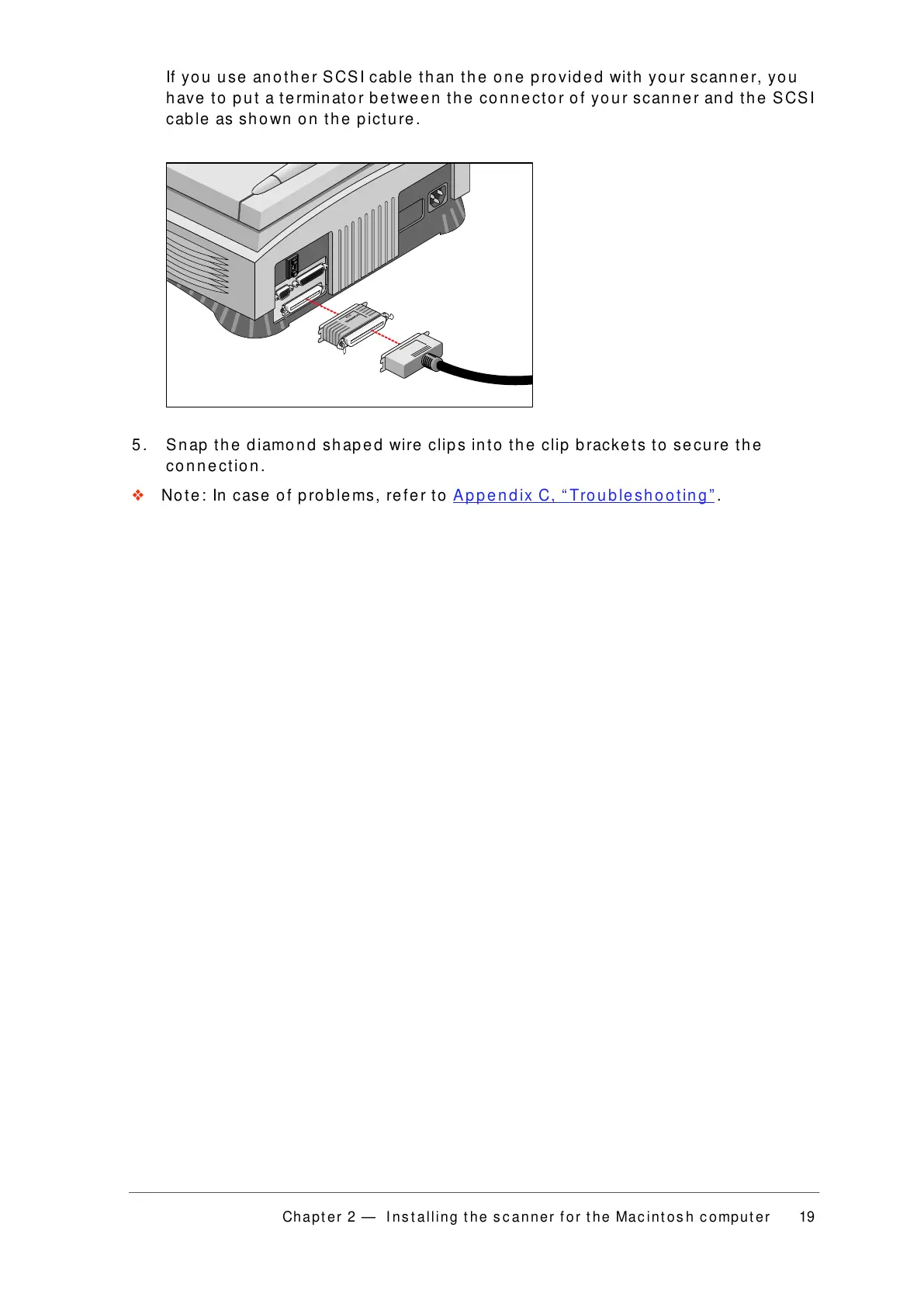
If you use another SCSI cable than the one provided with your scanner, you
have to put a terminator between the connector of your scanner and the SCSI
cable as shown on the picture.
5. Snap the diamond shaped wire clips into the clip brackets to secure the
connection.
❖ Note: In case of problems, refer to Appendix C, “Troubleshooting” .



 To Next Page