Appendix A — Using the transparency option 48
Placing transparent originals
Caution: Always use the template for scanning transparent originals. Make sure that
the calibration slit is not covered by the transparent original and that it is clean.
You need the transparency option to scan transparent originals.
1. Make sure the transparency option is properly installed.
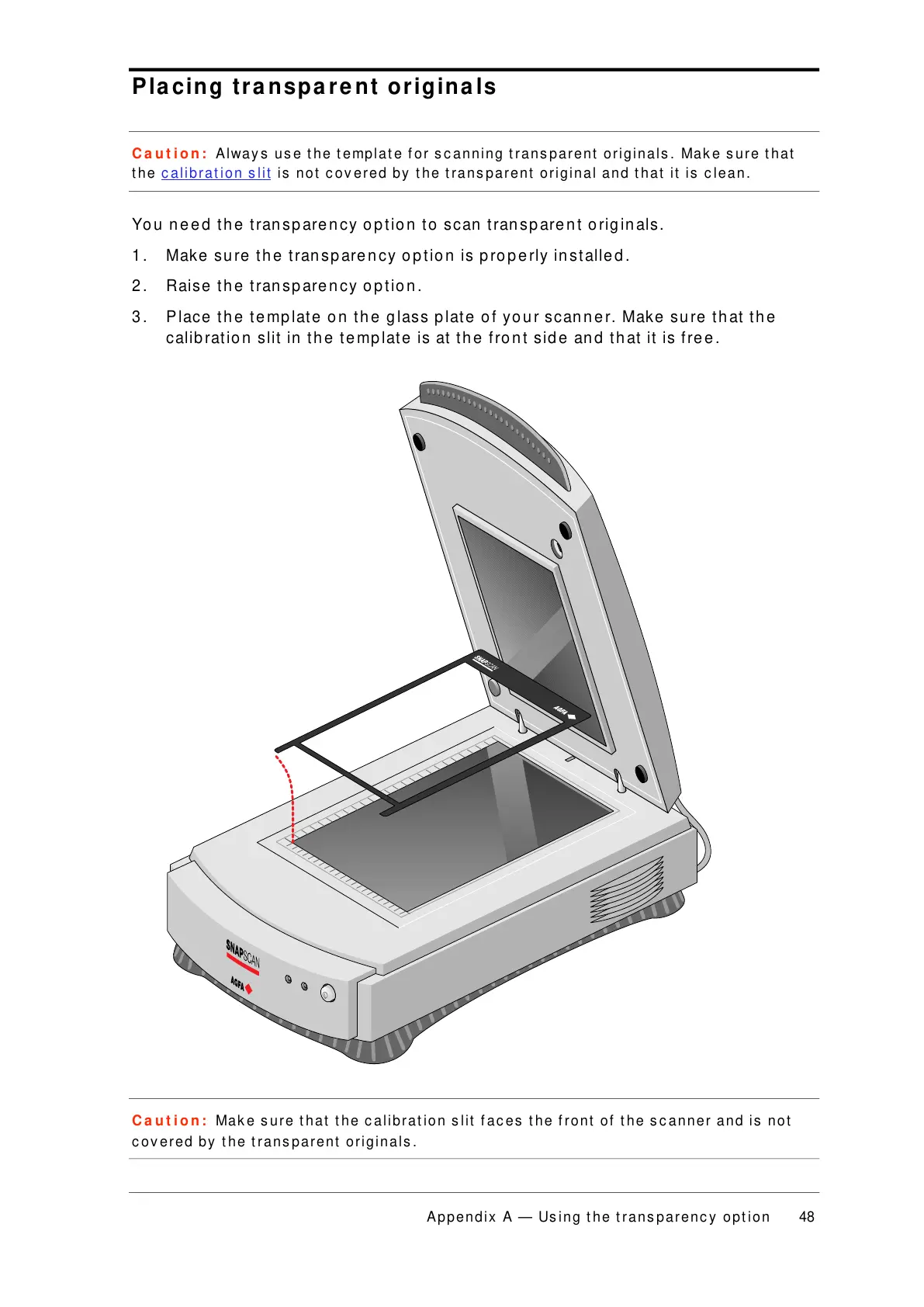
2. Raise the transparency option.
3. Place the template on the glass plate of your scanner. Make sure that the
calibration slit in the template is at the front side and that it is free.
Caution: Make sure that the calibration slit faces the front of the scanner and is not
covered by the transparent originals.



 To Next Page