Appendix A — Using the transparency option 49
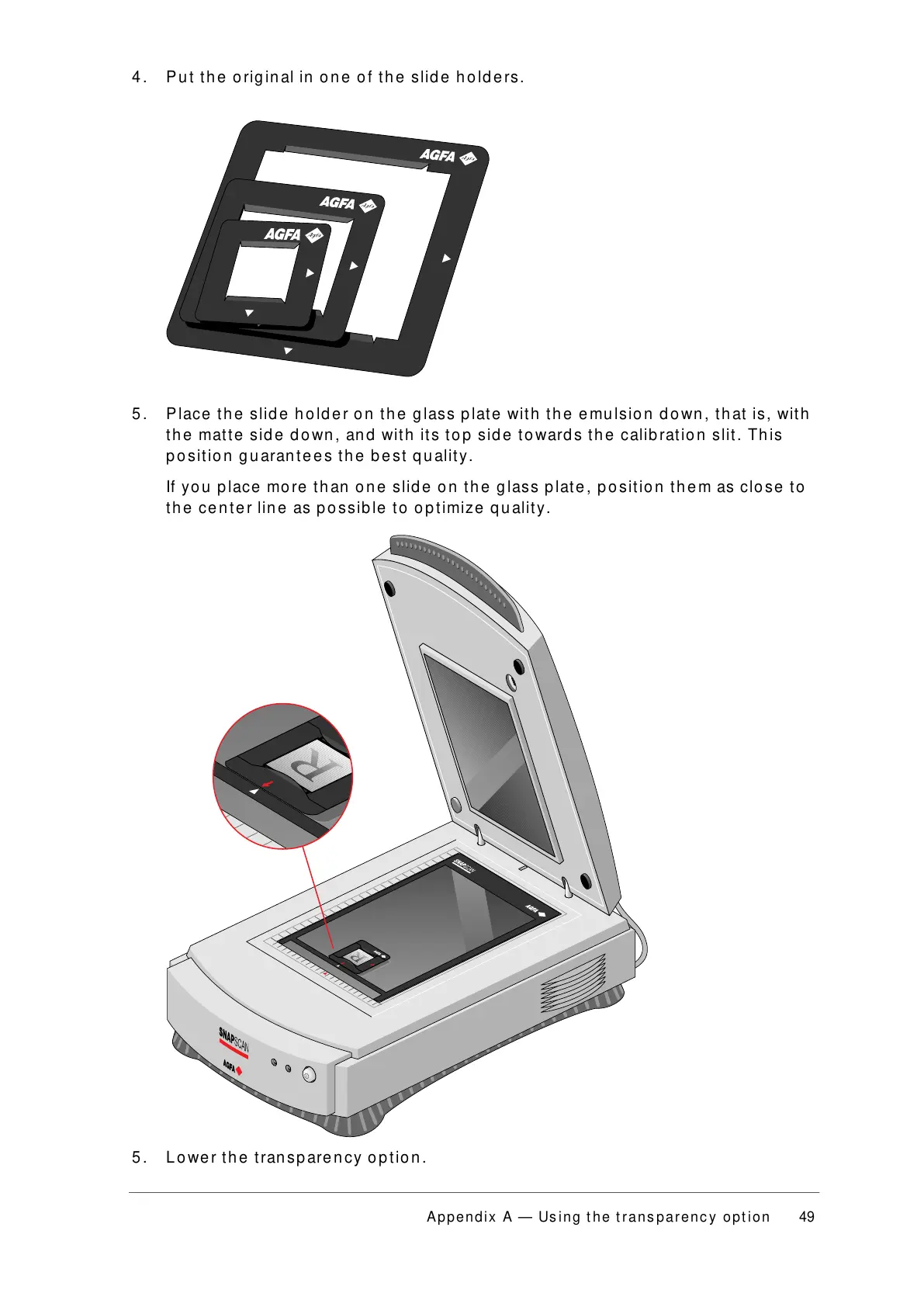
4. Put the original in one of the slide holders.
5. Place the slide holder on the glass plate with the emulsion down, that is, with
the matte side down, and with its top side towards the calibration slit. This
position guarantees the best quality.
If you place more than one slide on the glass plate, position them as close to
the center line as possible to optimize quality.
5. Lower the transparency option.



 To Next Page