Appendix A — Using the transparency option 46
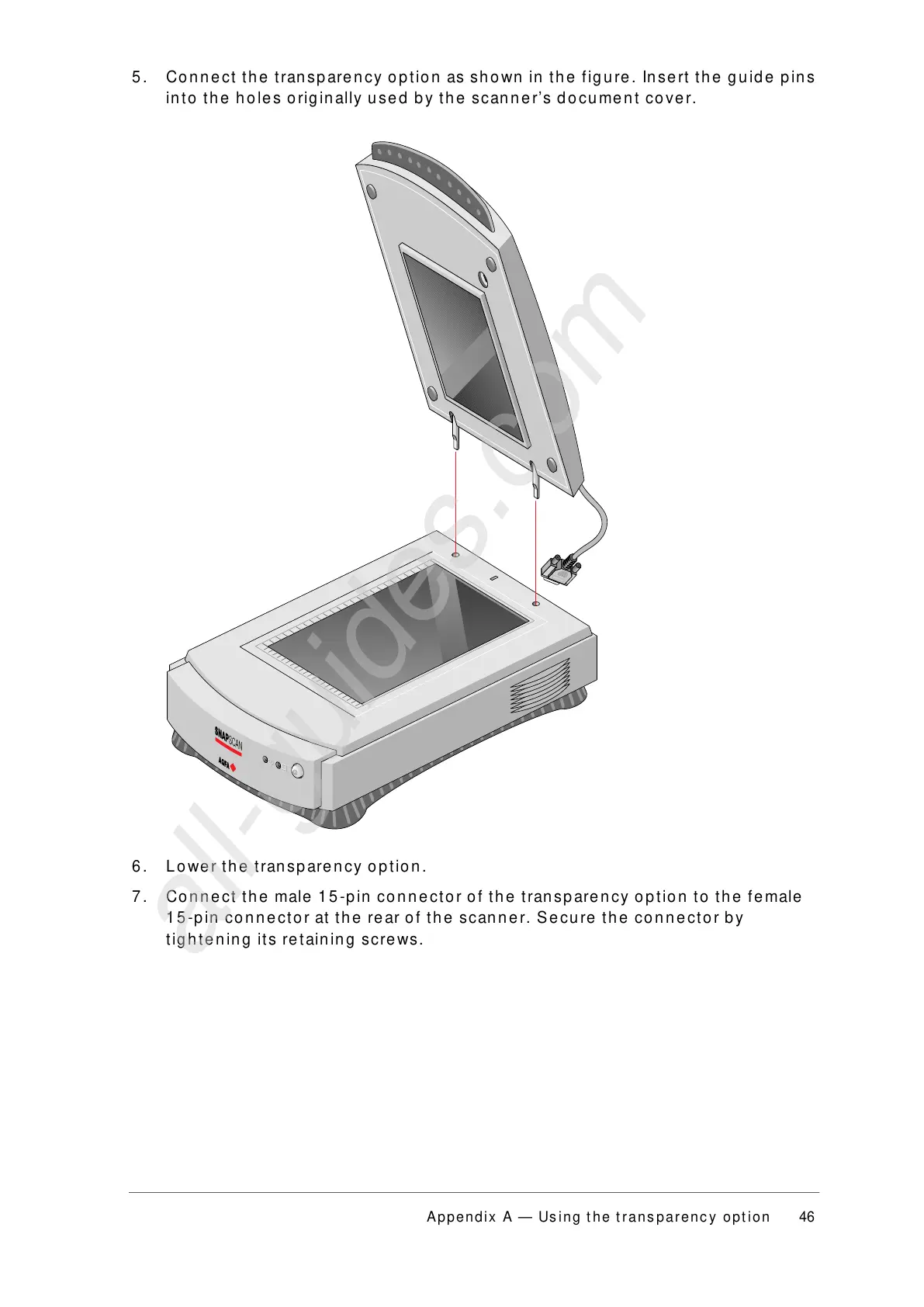
5. Connect the transparency option as shown in the figure. Insert the guide pins
into the holes originally used by the scanner’s document cover.
6. Lower the transparency option.
7. Connect the male 15-pin connector of the transparency option to the female
15-pin connector at the rear of the scanner. Secure the connector by
tightening its retaining screws.



 To Next Page