Note[1] Control mode description
The default control mode is the standby mode, and you need to switch to the command mode to
send the motion control command. If the remote control is turned on, it has the highest authority
and can block the control of commands. When the remote control switches to the command
mode, it still needs to send the control mode setting command before responding to the speed
command.
The state setting frame is used to clear system errors, and its specific protocol content is shown in
Table 3.8.
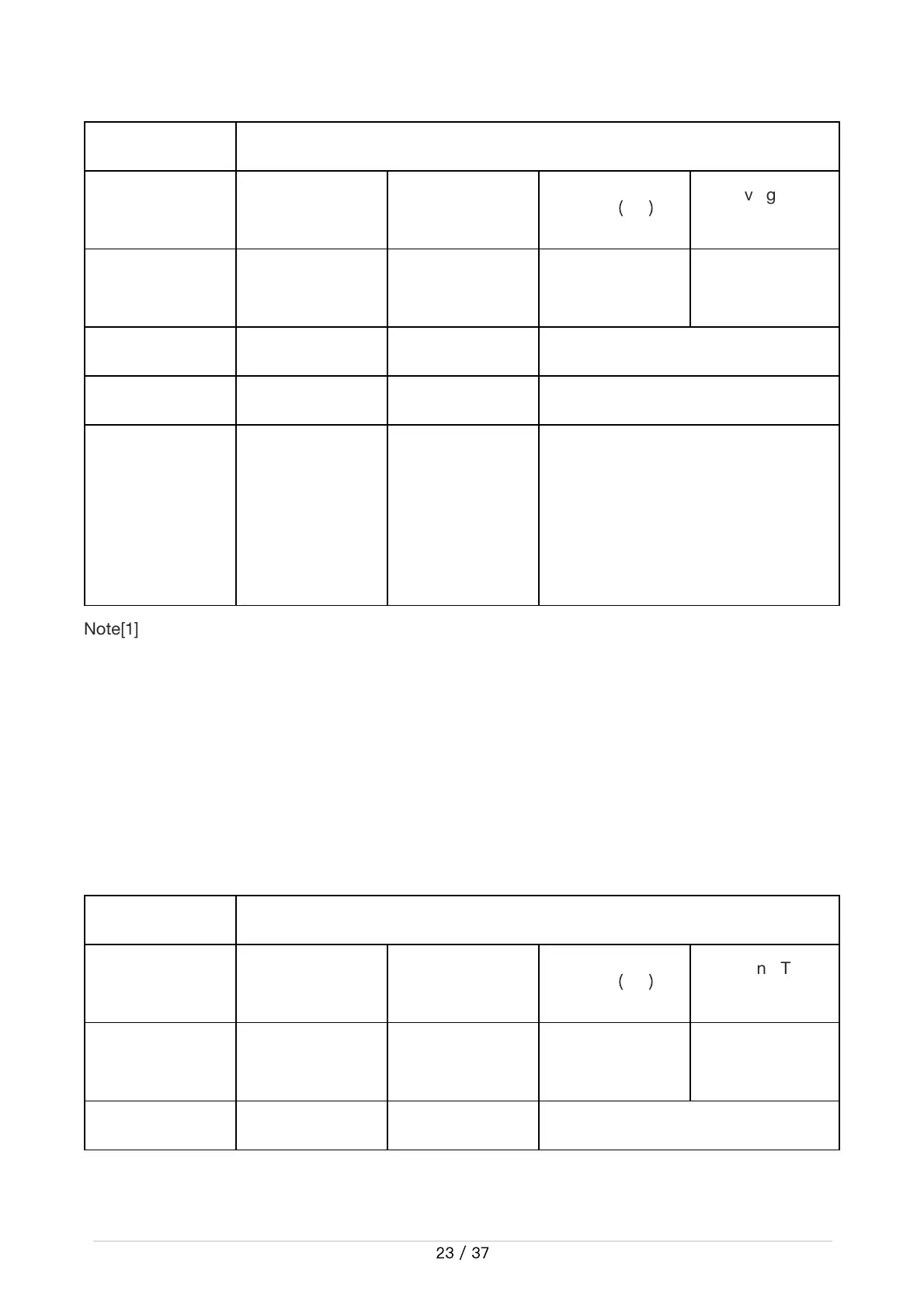
Table 3.8 State setting frame description table
Command name Controlmodesettingcommand
Sendingnode Receivingnode ID Cycle
(
ms
)
ReceivingTimeo
ut(ms)
Wire-controlled
chassis
Decisioncontrol
unit
0x421 None None
Datalength 0x01
Position Function Datatype Description
byte[0]
Controlmode
unsignedint8
0x00Standbymode
0x01 CAN command control
mode[1]
Enterstandbymodebydefaultafter
poweron


 To Next Page
 Loading...