Devices and Operating Elements
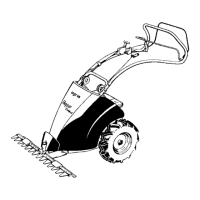
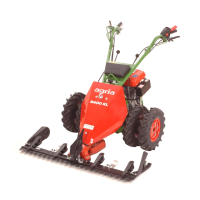
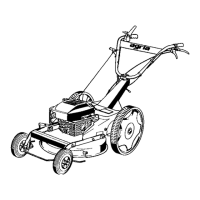
Meadow mower agria 5300
25
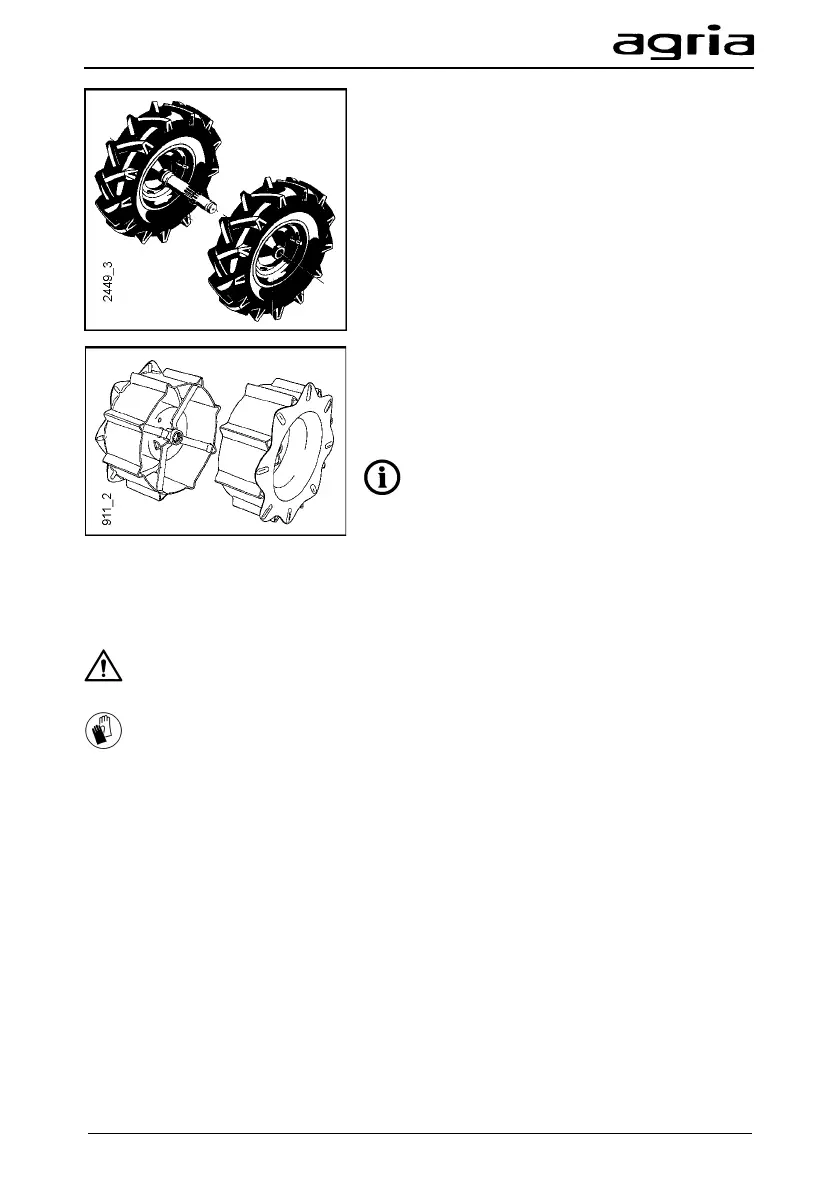
Twin driving wheels
• Remove the installed single driving wheels.
• Mount twin driving wheels on th
e wheel
shaft (as described in "Mounting driving
wheels").
•
Fit special wrap protection tubes onto the
wheel shaft of the twin driving wheels -
attention to the recess for the valves!
•
Mount single driving wheels on the wheel
shaft pins of the twin driving wheels.
Grid driving wheels
• Remove the installed single driving wheels.
• Mount grid driving whe
(as described in "Mounting driving wheels").
With twin and grid driving
wheels, the
switching positions rigid drive / neutral gear /
differential-type drive effect are also possible.
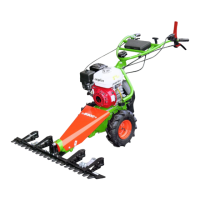
Cutter bar
The mower heads approved in the Agria
sales list are available.
Fit the protective strip (10) to
attach and remove the cutter bar.
Wear protective gloves!
Attachment
• Open the cutter bar linkage (4).
To do this, rotate the hexagon with a
13 mm open-end wrench until the
mark "A" is at the top.
• Lubricate the beam supporting pin
(2) with organic lubricating grease.
• Rotate the eccentric disc to move
the crank roller (7) to its lowest posi-
tion.
• Set the knife driver (8) on the cutter
bar to the middle position in rela-
tion to the beam supporting pin.
• Insert the beam supporting pin (2)
into the retaining bore (3) on the
mower unit housing until it hits the
stop.
• Close the cutter bar linkage (4).
To do this, rotate the hexagon with
an open-end wrench until the mark
"Z" is at the top.
Removal
• Fit the protective strip (10).
• Open the cutter bar linkage (4).
To do this, rotate the hexagon with a
13 mm open-end wrench until the
mark "A" is at the top.
• Pull out the cutter bar from the
front.


 To Next Page