16
• Mute/unmute DMC intercom groups, see Muting/Unmuting DMC Intercom Groups.
• Delete DMC intercom groups, see Deleting DMC intercom Groups.
• Listen to music while in DMC intercom groups, see Background Audio Level and Audio Source
Priorities.
• Switch between DMC intercom and Bluetooth
®
intercom, see Switching between Intercom
modes.
4.1.1 SETTING UP DMC INTERCOM GROUPS
You can manage DMC intercom groups to suit your riding requirements, this includes creating
groups, joining groups, leaving and rejoining groups or changing your active group.
DMC intercom groups are created and deleted by a group creator. Each group can have up to 15
riders: one group creator/admin and a maximum of 14 group member.
When creating a group, all members should be within 3 meters (10 feet) of the creator. The group
continues functioning even if the creator is no longer available.
If a rider's connection is lost, the rider remains part of the group and reconnects automatically
once in range.
4.1.1.1 Creating DMC intercom groups
When creating a DMC group, you must coordinate with the other riders who will be the group
creator.
To create a DMC group:
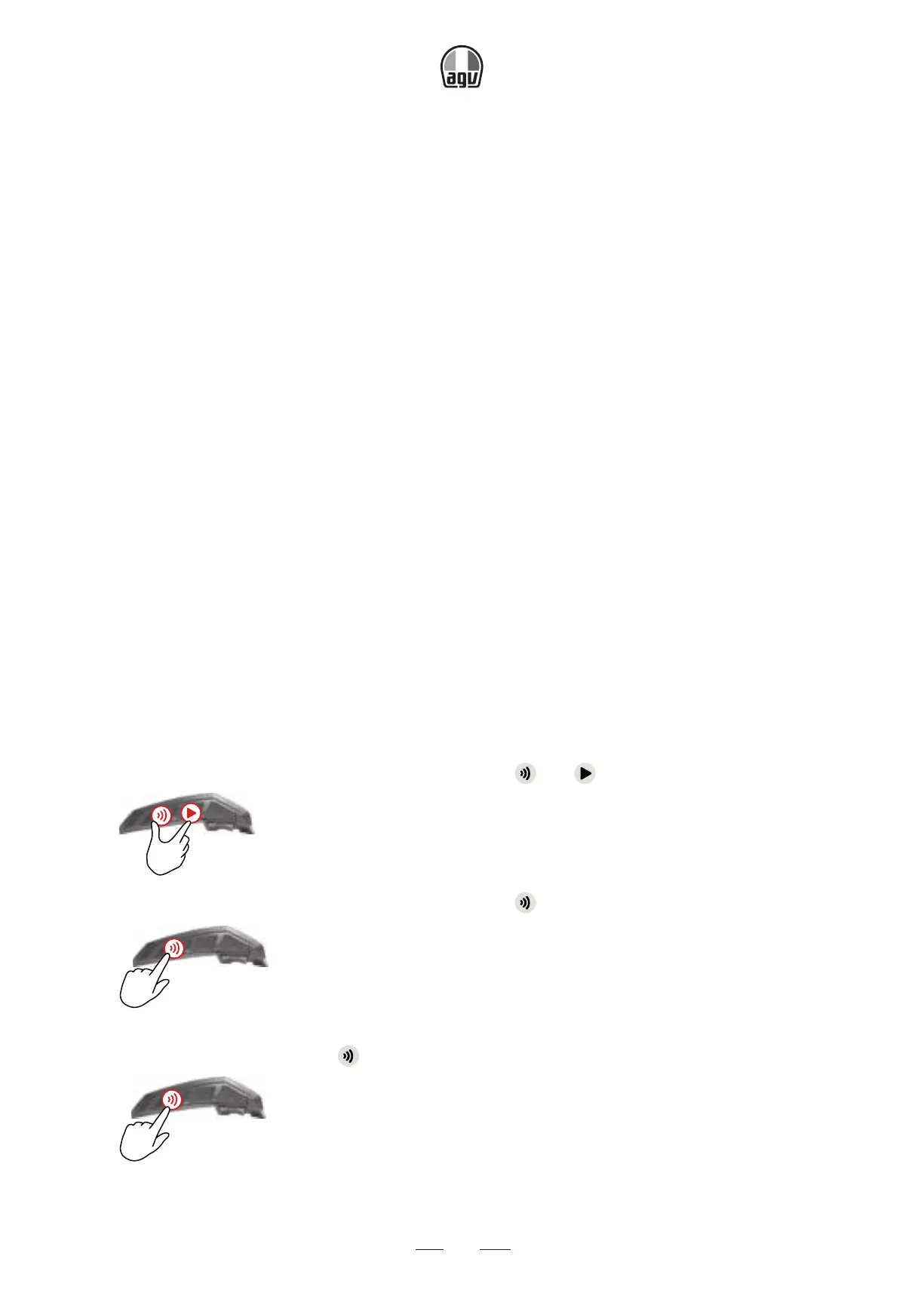
1. Confirm all group units are in DMC intercom mode (LED flashes green slowly).
If your INSYDE is not in DMC intercom mode, tap
and .
x1
2. The group creator and all group members: press for 5" .
5”
→ The LED flashes green quickly.
3. Only the group creator: tap .
x1
→ The LED flashes red and green quickly.


 To Next Page