Operation
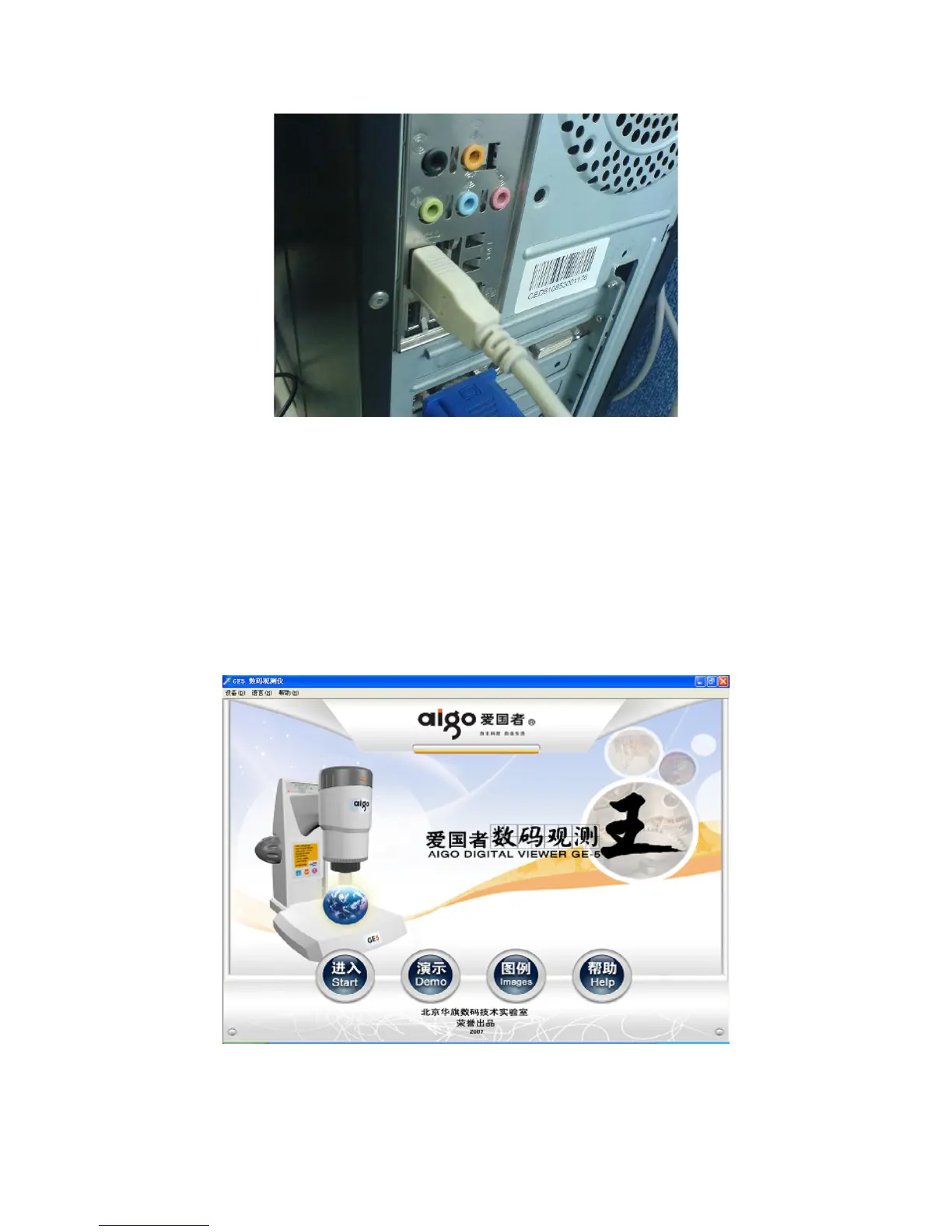
Connect the USB plugs of Digital Viewer GE-5 with the USB2.0 interfaces of PC and run the
software, the following interface would pop up. Click “Language” to select Chinese or English,
and then click “start” to enter the interface of capture.
Click “Demo” to play the promotion videos; click “Image” to demonstrate the real images
made with GE5, and click right to exit; and the Help documentation would pop up when “Help” is
clicked.
16


 To Next Page