Setup
1. Open file
Click the item “File-〉Open” in Menu or the button “
” in Toolbar (or the shortcut key
“O”)
lude: Bmp---Bitmap files;
Mea---Measurable and editable files;
2. Save file
.
The file types inc
Click the item “File-〉Save” in Menu or the image “
” in Toolbar (or the shortcut key
“S”).
3. ind
lick the item “Window-〉Video preview” in Menu or the button
Return to the video w ow
“C
” in Toolbar (or the
o preview window.
Click the item “File-〉Print” in Menu to print the current file.
Click the button
shortcut key “V”) to return to the vide
4. Print
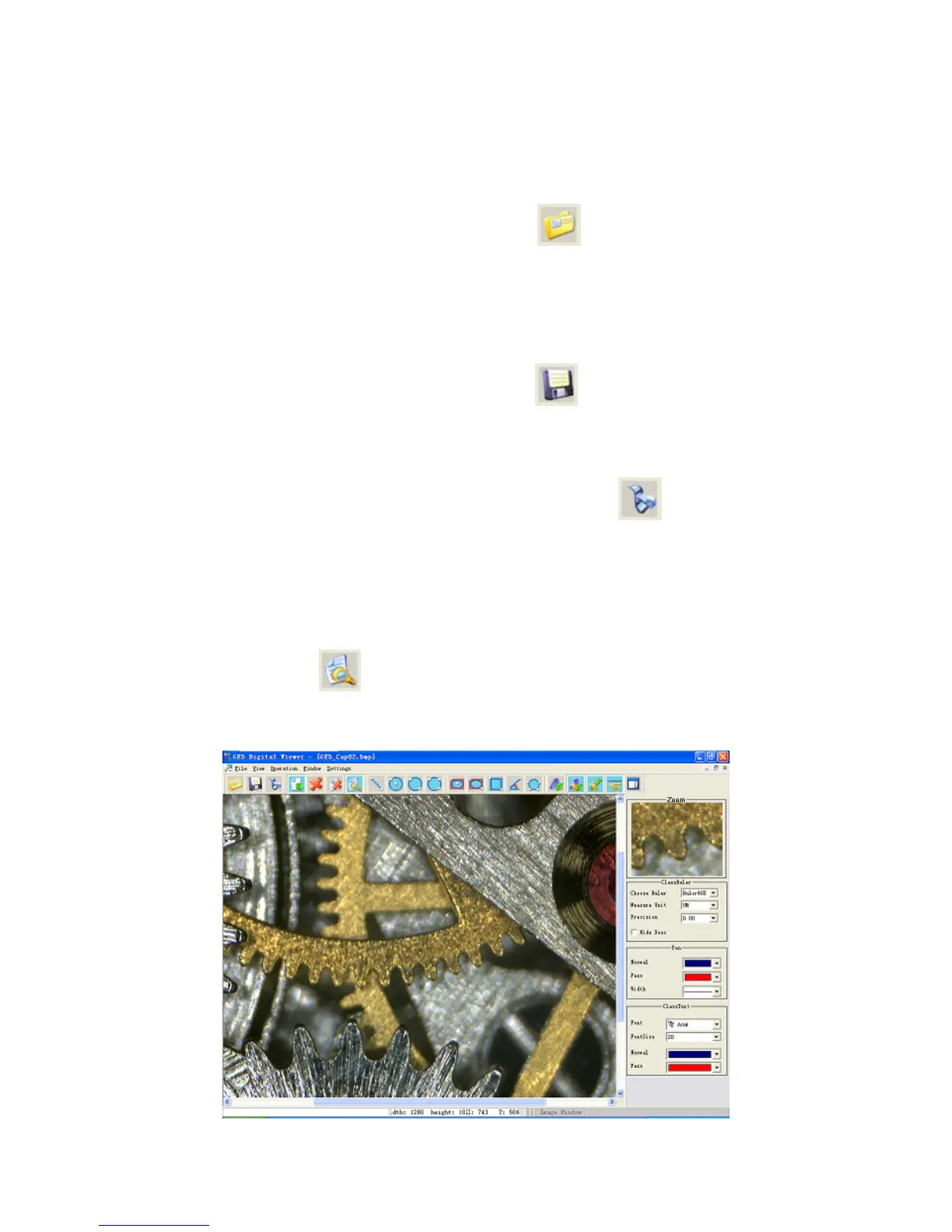
5. Local magnification
“
” in Toolbar (or the shortcut key “Z”) and a mini window would
appear in the right of the interface to display the magnified local image near the current cursor of
mouse.
24


 To Next Page