later, the recording could be concluded and the video recorded would be automatically replayed.
At last, click the button “
” (or the shortcut key of “P”) to exit from the recycling process.
Image Capture
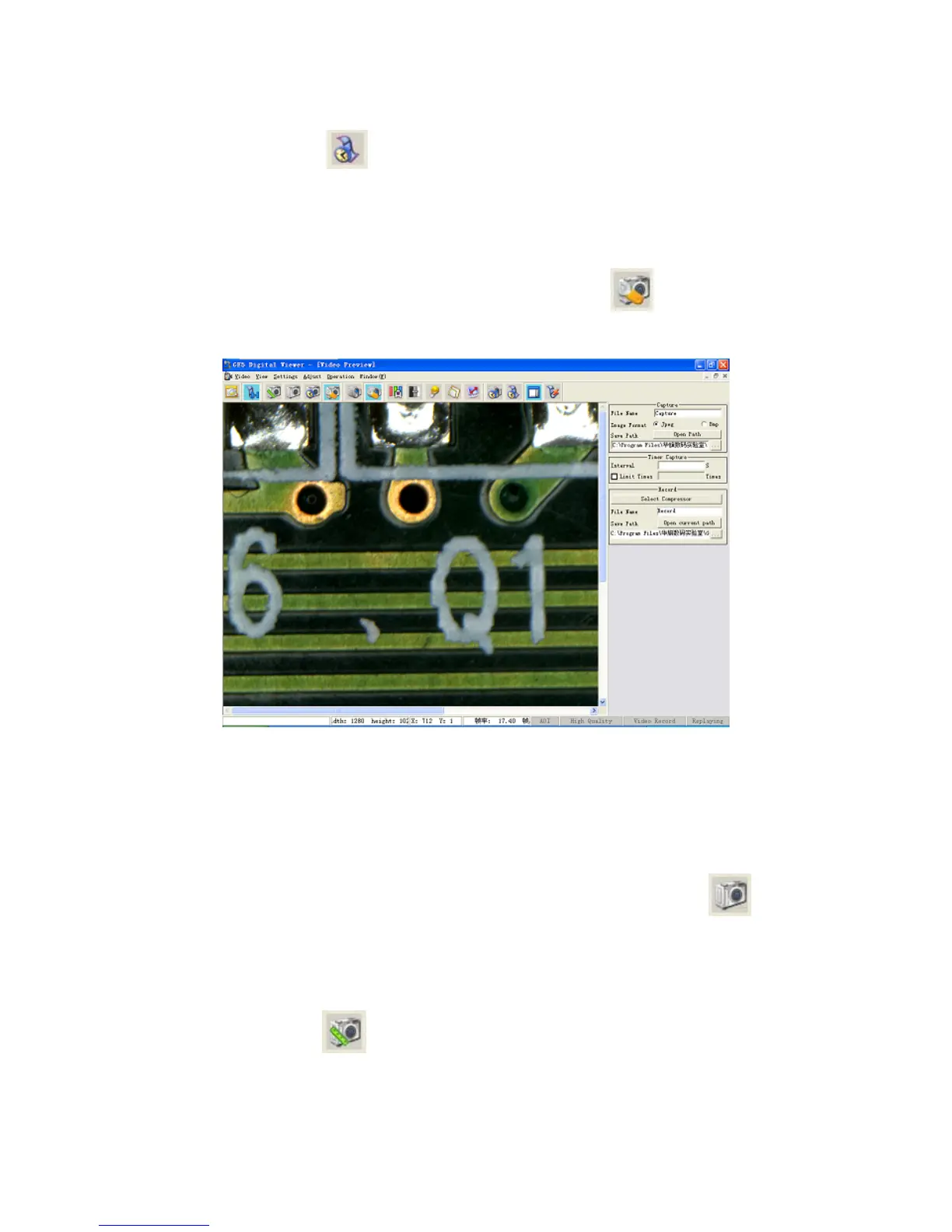
Click the item “S Capture” in the Menu or the button “etting-〉 ” in the Toolbar, the
setup box of capture would appear in the right side of the interface.
Image Capture
Three means of capture are available:
1. Capture an image and save it in the disk
After the image adjustment is concluded, set up proper file names and save routes within the
capture box, select the image storage format (Bmp or Jpeg) and then click the button “
” (or
the shortcut key “C”) to cap Click “Open path” to
enter the files where the images are saved.
2.
on “
ture it. The image would be automatically saved.
Capture an image and enter the measurement interface
Click the butt
” (or the shortcut key “M”) to capture an image and enter the
measurement interface.
3. Timing capture
22


 To Next Page