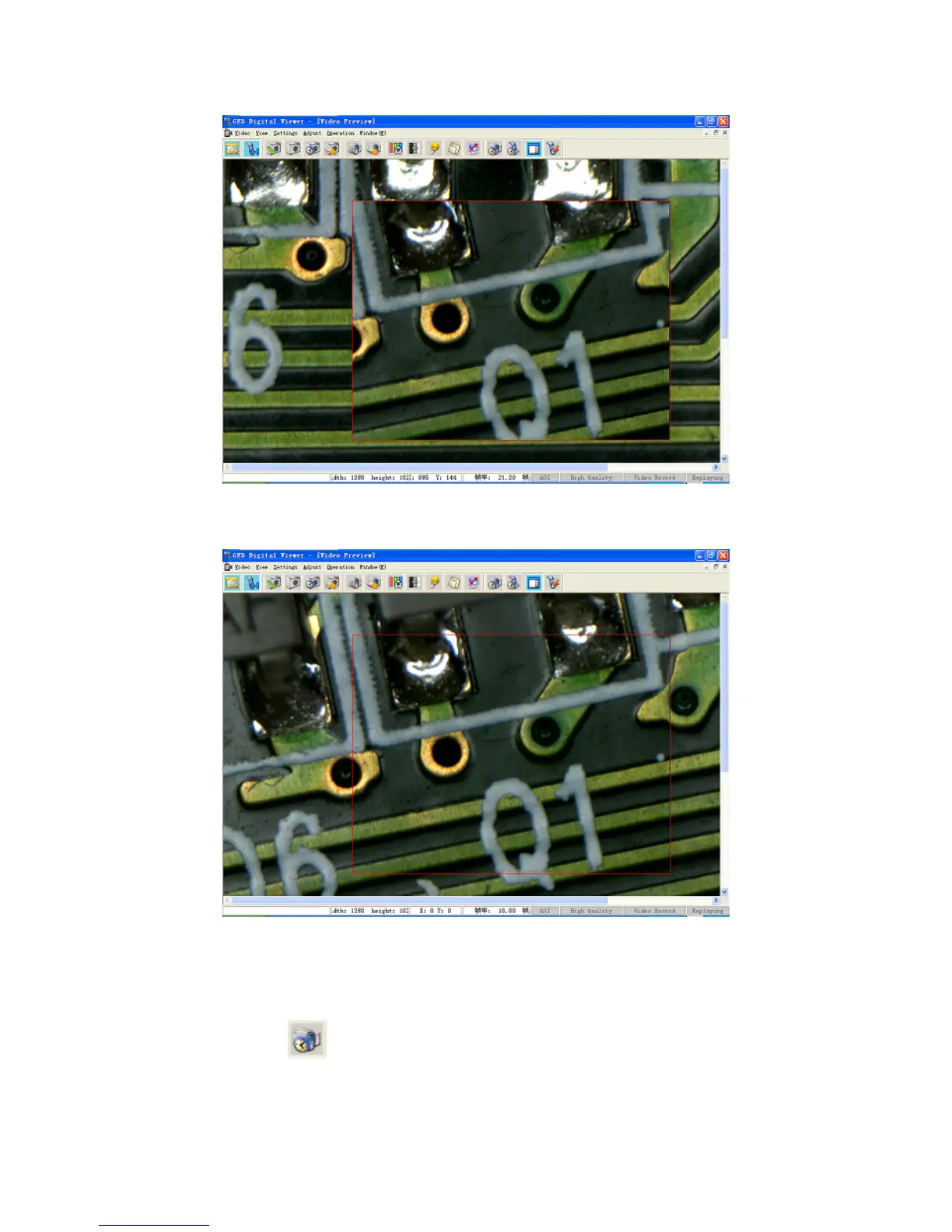
Displaced Image
Image Whose Displacement has been eliminated
13. Dynam
ic Depth of Field
Those thick objects of multiple layers could be observed by means of dynamic depth of field.
Click the button “
” in the Toolbar (or the shortcut key “J”) and the software would start
recording the video and timing in the status bar at the right lower corner, then the user could adjust
the focusing knob to change the focalizing point of the image among various depths. Five seconds
21


 To Next Page