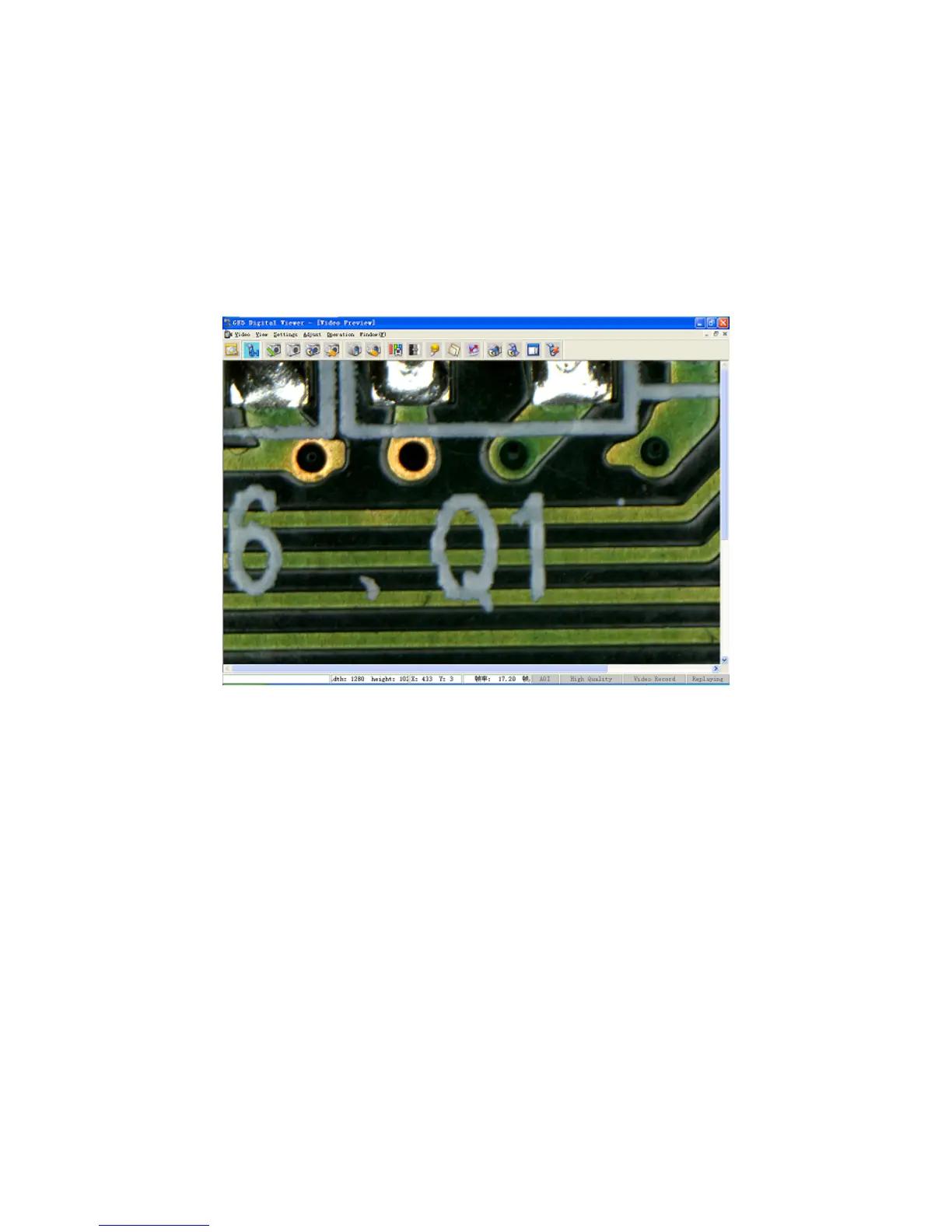
Interface of Capture
The interface of capture contains the menu, the toolbar, the video window and the status bar.
With this interface, the user could preview the videos of objects observed and adjust image
parameters through various windows of features to obtain the satisfying effect. Before the use, the
user should firstly adjust the focusing knob to obtain clear images, and then adjust color, exposal
and other parameters for observation. In addition, the user could also capture single image or
video and measure it in the interface of measurement.
17


 To Next Page