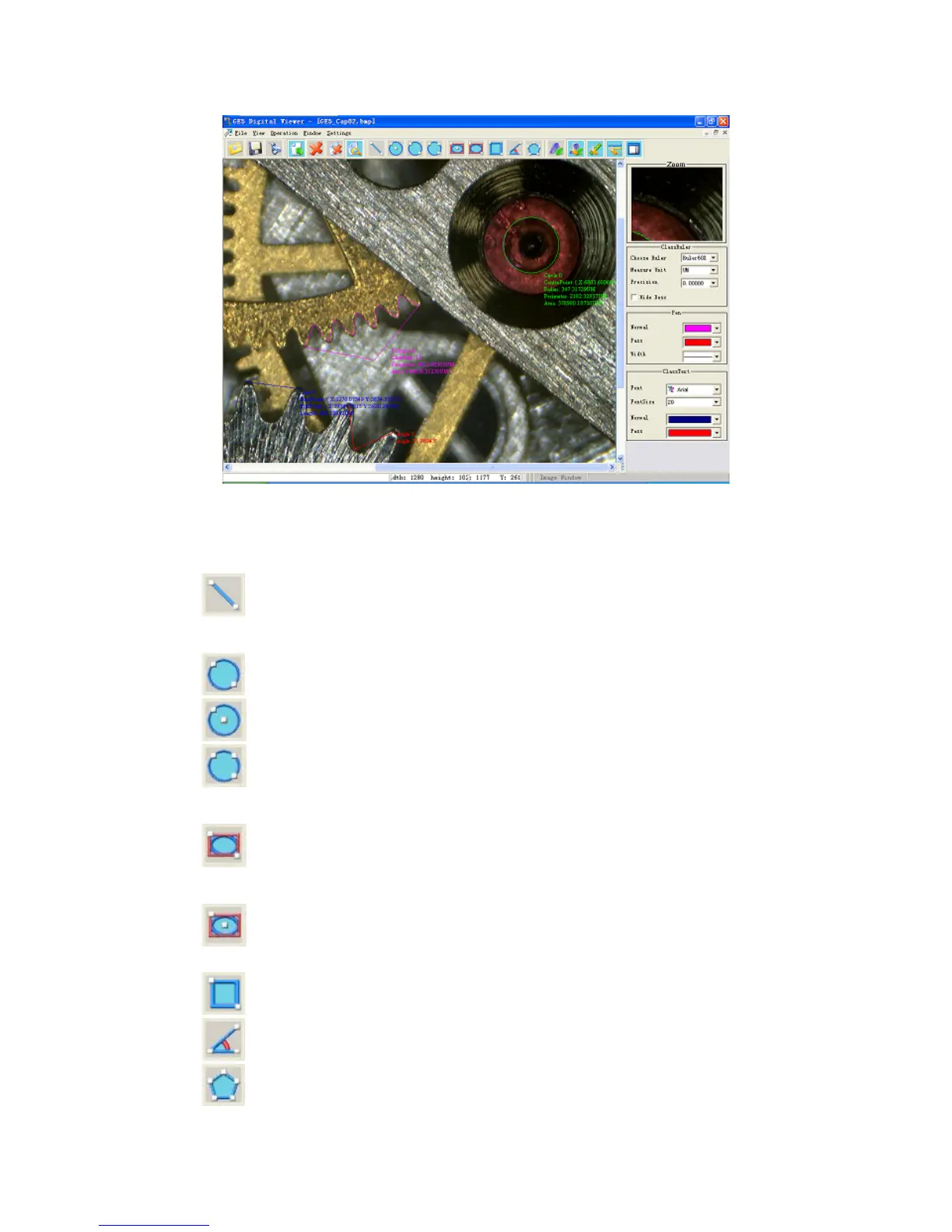
Draw figures
nd draw figures in the image.
.
Click the corresponding images a
1
(the shortcut key “L”): Beeline
2. Circle:
: Define a circle through its diameter.
(the shortcut key “C”): Define a circle through its center and any one point on it.
: Define a circle through three points on it.
3.
Ellipse:
: Define an ellipse through any two vertexes o external tangent rectangle of the
ellipse.
f the
: Define an ellipse through its center and a vertex of the external tangent rectangle of
4.
the ellipse.
(the shortcut key “R”): Rectangle
5.
(the shortcut key “A”): Angle
6.
(the shortcut key “P”): Polygon with as many as 32 sides.
26


 To Next Page