EasyManua.ls Logo

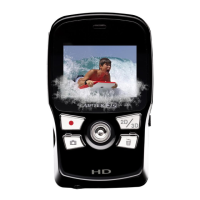
AIPTEK 3D i2 - Getting Started; Product Overview

AIPTEK 3D i2
171 pages
Print Icon
To Next Page IconTo Next Page
To Previous Page IconTo Previous Page
Loading...
1
1
Getting Started
2
3
12
4
5
6
17
8
9
10
11
15
16
18
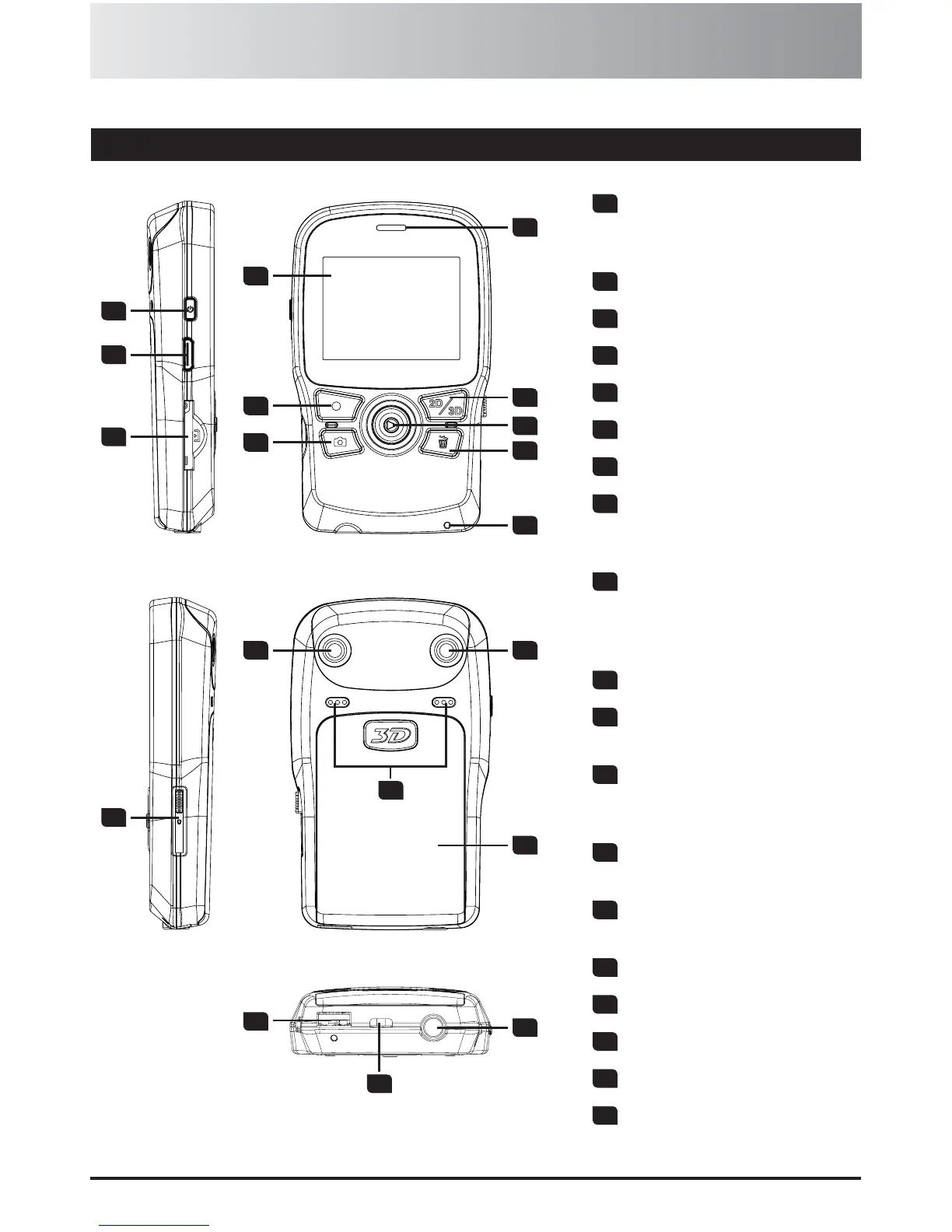
1
Power button -
Press to turn on;
long-press to turn off
2
HDMI port
3
SD/SDHC card slot
4
2D/3D display
5
Record button
6
Shutter button
7
Speaker
8
2D/3D button -
Switch between 2D/3D
mode
9
5-way joystick -
5-way: up/down/left/right/
enter
Enter: OK or Playback
10
Delete button
11
Battery charge LED
indicator
12
USB switch -
Slide downward to use
the USB connector
13
Right lens -
For 2D and 3D capture
14
Left lens -
For 3D capture
15
Microphones
16
Battery cover
17
USB connector
18
Tripod socket
19
Hang strap holder
Product overview
7
13 14
19

Table of Contents

Related product manuals