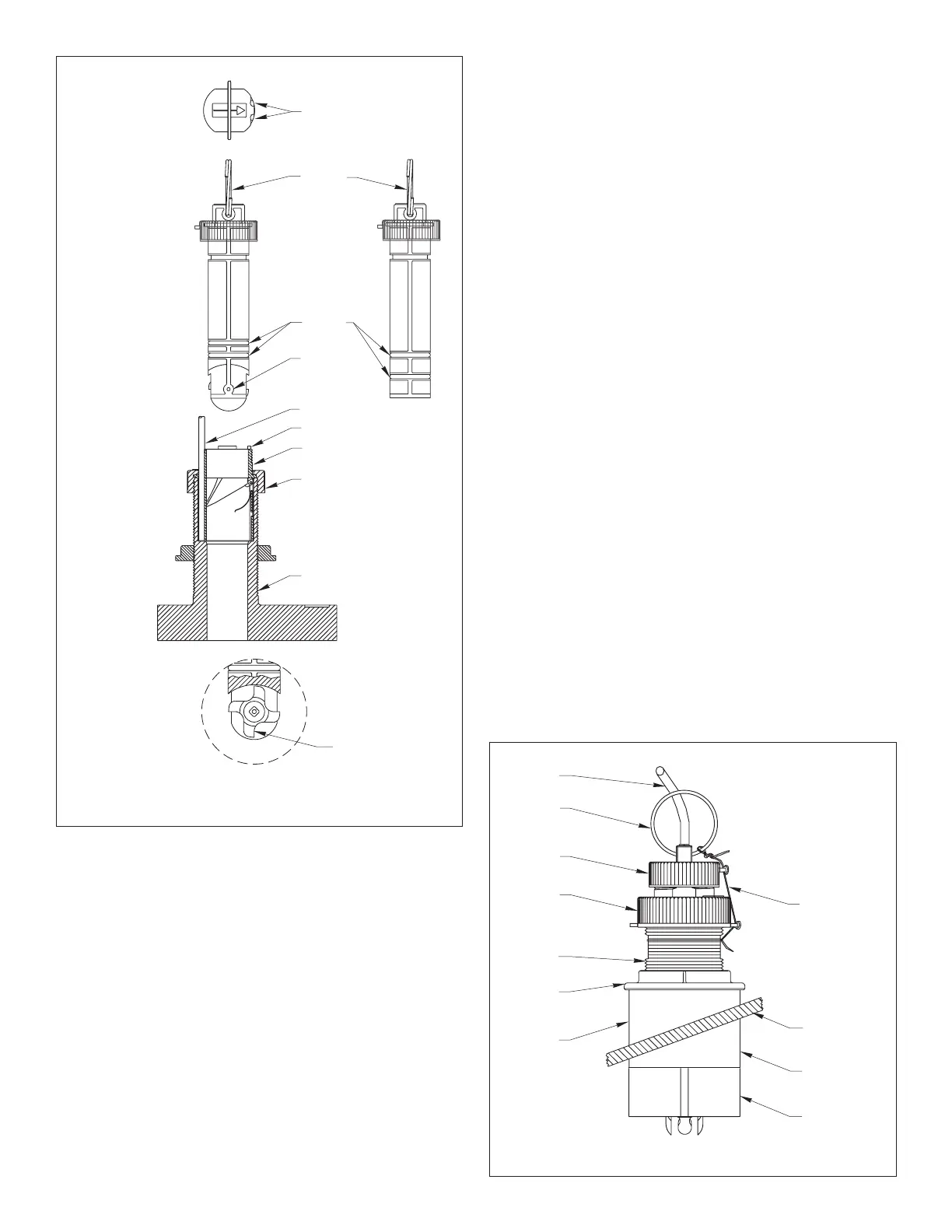
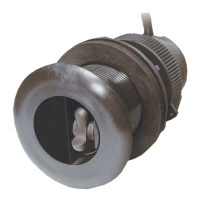
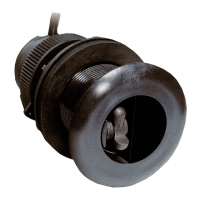
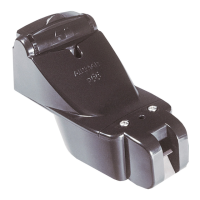
Figure 6. Paddlewheel insert, blanking plug,
BOW
➤
flat side of
paddlewheel
paddlewheel
cap nut
paddlewheel
top view of
housing and
blade faces
paddlewheel
insert
insert
valve assembly
housing
and valve assembly
(B744V shown)
notches
key (2)
valve
assembly
insert detail
cable
blanking
plug
direction of
arrow on top
of insert
(toward bow)
Figure 7. Installation
(B744V shown)
pull ring
hull
Standard
multisensor
safety wire
cap nut
hull nut
backing
stem
cable
block
Installing the Paddlewheel Insert
Caution
: Never, pull, carry, or hold the multisensor by its cable as
this may sever internal connections.
WARNING: The O-rings must be intact and well lubricated to
make a watertight seal.
1. After the sealant cures, inspect the O-rings on the paddlewheel
insert (replace if necessary) and lubricate them with the silicone
lubricant supplied (see Figure 6).
2. Slide the paddlewheel insert into the housing with the
arrow on
the top pointing forward toward the bow.
Seat it into place using
a twisting motion until the keys fit into the notches. (The insert
fits one way only.)
Be careful
not to rotate the outer housing and
disturb the sealant. Screw the insert nut in place and
HAND-
TIGHTEN
only.
Do not
over tighten.
Warning
: Always attach the safety wire to prevent the insert from
backing out in the unlikely event that the cap nut and/or insert nut
fails or is screwed on incorrectly.
3. Attach the safety wire. Wrap one end of the safety wire tightly
around the stem of the housing and twist it together with the long
end (see Figure 7). Keeping the wire taut throughout, lead the
wire straight up and through one eye in the
cap
nut. Thread the
wire through the eye a second time. Lead the wire in a
counterclockwise direction and thread it through the eye in the
insert
nut. Thread the wire through that eye a second time. Loop
the wire through the pull ring and twist the wire securely to itself.
Caution
: If the multisensor came with a connector, do not remove
it to ease cable routing. If the cable must be cut and spliced, use
Airmar’s splash-proof Junction Box No. 33-035 and follow the
instructions provided. Removing the waterproof connector or
cutting the cable, except when using Airmar’s junction box, will
void the multisensor warranty.
4. Route the cable to the instrument,
being careful
not to tear the
cable jacket when passing it through the bulkhead(s) and other
parts of the boat. To reduce electrical interference, separate the
multisensor cable from other electrical wiring and the engine.
Coil any excess cable and secure it in place using zip-ties to
prevent damage.
5. Refer to the echosounder owner’s manual to connect the
multisensor to the instrument.
Check for Leaks
Warning
: DO NOT leave the boat in the water unchecked for
several days.
When the boat is placed in the water,
immediately
check the
thru-hull multisensor for leaks. Note that very small leaks may not
be readily observed.
Do not
leave the boat in the water for more
than 3 hours before checking it again. If there is a small leak,
there may be considerable bilge water accumulation after 24
hours. If a leak is observed, repeat “Bedding the Housing” and
“Installing the Housing”
immediately
(see page 3).
4
Copyright © 2005 Airmar Technology Corp.
Copyright © 2005 Airmar Technology Corp.
insert nut
Note:
DO NOT
remove
the CAP nut to service
the paddlewheel insert.
The valve assembly
will come out.
pull ring
O-rings
shaft
Fairing


 To Next Page