20
6.3 OSD Option Adjustment
Learning about the menu system
After you have installed the batteries into the remote control, you may want to
set some preferences on the LCD TV using the menu system.
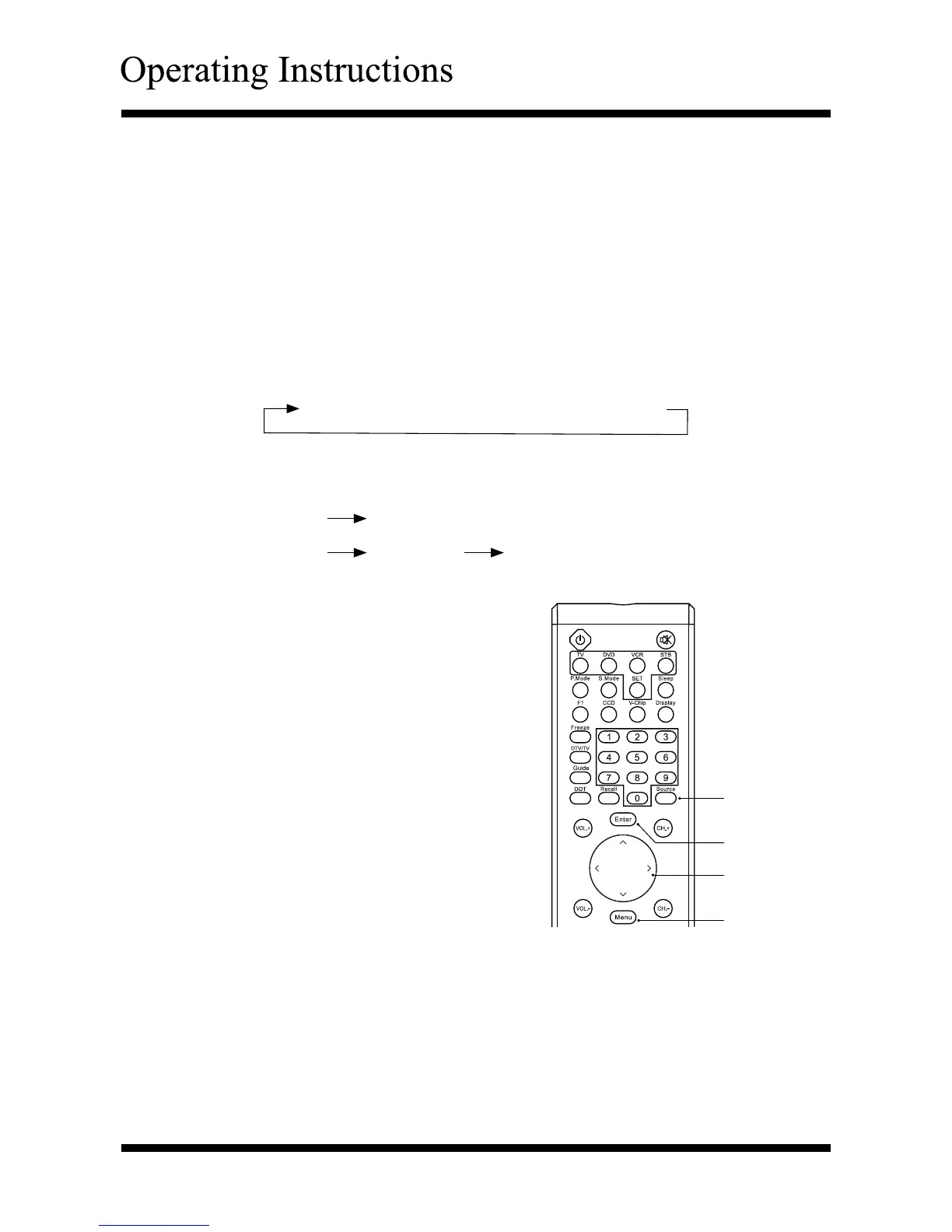
- The buttons for OSD option adjustment include: Menu, ∧ , ∨ , <, >,
Enter and Exit buttons.
- Press the Menu button to open the OSD Menu then press ∧ or ∨ button to
select the pages. The pages are displayed in the following sequence
(circular display):
- Press the Menu button on the remote control or on the side panel, it will
change in the following sequence:
Sub Menu
Main Menu
exit
Press the Menu button to display the
menu
system.
Press < or > button to select the
menu pages.
Press
∧ or ∨
button to select an item.
P
ress
∧ , ∨ , <, >
button to select
or adjust a setting
.
If you do not
make a selection within
several seconds, the main menu
closes
automatically; the other menus
close
automatically within several
seconds.
Press the Menu button to return or
exit OSD menu.
Video → Audio → Setup → TV → Geometric → DTV
Main Menu
exit
Menu
∧, ∨, <, >
Enter
Source



 To Next Page