40
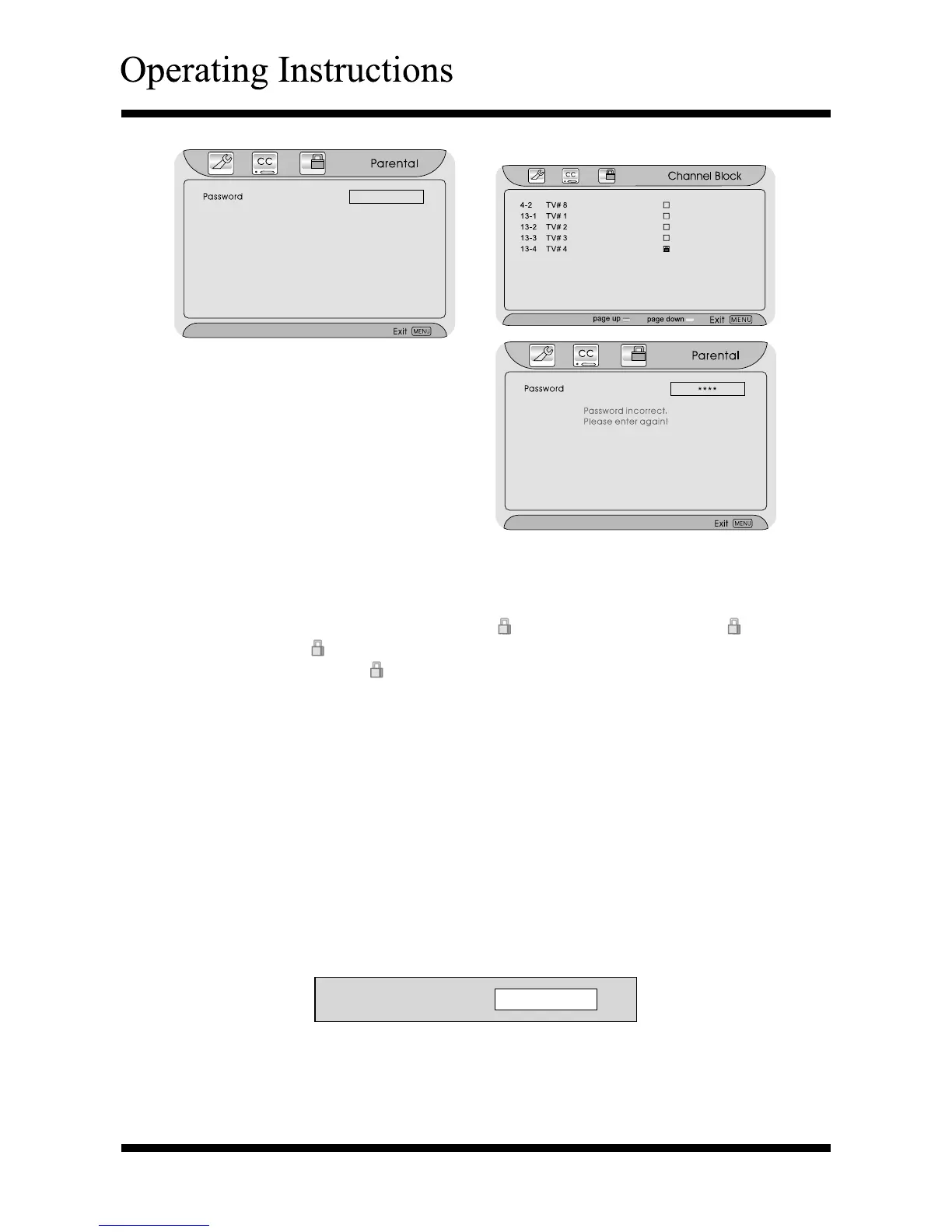
If the input is invalid, a message will
pop up;
You can operate the “Channel Block” as below:
After entering the “Channel Block” menu, press
∧ or ∨
button to select an
item.
Press the Enter button to lock (display “ ”) or unlock (doesn’t display “ ”).
When display “
”, you can not watch the channels.
When doesn’t display “
”, you can watch the channels.
Press the Menu or Exit button to return or exit.
Note: When there is more than one channel page:
- To up page, press the Red button.
- To down page, press the Green button.
Temporary cancel “Channel Block” function
- If you want to watch the “lock” channels, you can enter the password and
temporary cancel “Channel Block” function.
Press the Enter button to display the password dialog.
Press
0~9 buttons to input the correct password
.
-
It temporarily switches off the lock. After turning off the TV and turn on again,
have to enter the password again
.
Password



 To Next Page