28 APS4
Operating Notes
Be sure to assig
n a separate carrier frequency to each wireless channel (transmitter and
receiver).
Do not operate two or more wire
less channels on
the same frequency at the same time
and location. This would cause u
nwanted noise du
e to radio interference.
ATTENT
ION
To prevent damage from overloading the antenna splitter power supply, always switch power to
the various components of your system on and off in the order described in the following
sections. Also note the information on "Multichannel Systems with APS4 Antenna Splitters" in
section 3.
Powering Up
1) Switch power to
all transmitters ON.
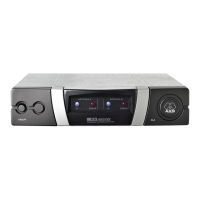
2) Switch power to the antenna splitter and all receivers connected to the antenna splitter
ON simultaneously. The blue
OK LEDs and the green status LEDs on the connected
active components will illuminate.
Powering Down
1)
Switch power to the antenna splitter and all receivers connected to the antenna splitter
OFF simultaneously.
2) Switch power to
all transmitters OFF. The blue OK LEDs and the green status LEDs on
the connected active components will extinguish.
4 Operating Notes
General Hints
Systems with Distributed
Power Supplies


 To Next Page