C313X Indoor Monitor Administrator Guide
AKUVOX SMART INTERCOM www.akuvox.com
Parameter Set-up:
IP/SIP: To configure IP address or SIP account to trigger a certain
remote relay of doorphone by sending HTTP message.
Username: Enter the device username to be used as a part of HTTP
command to trigger the local relay.
Password: Enter the device password to be used as part of HTTP
command to trigger the local relay.
Please refer to the following example:
http://192.168.35.127/fcgi/do?action=OpenDoor&UserName=admin&Passw
ord=12345&DoorNum=1
Note:
DoorNum in the HTTP command above refers to the relay number
#1 to be triggered
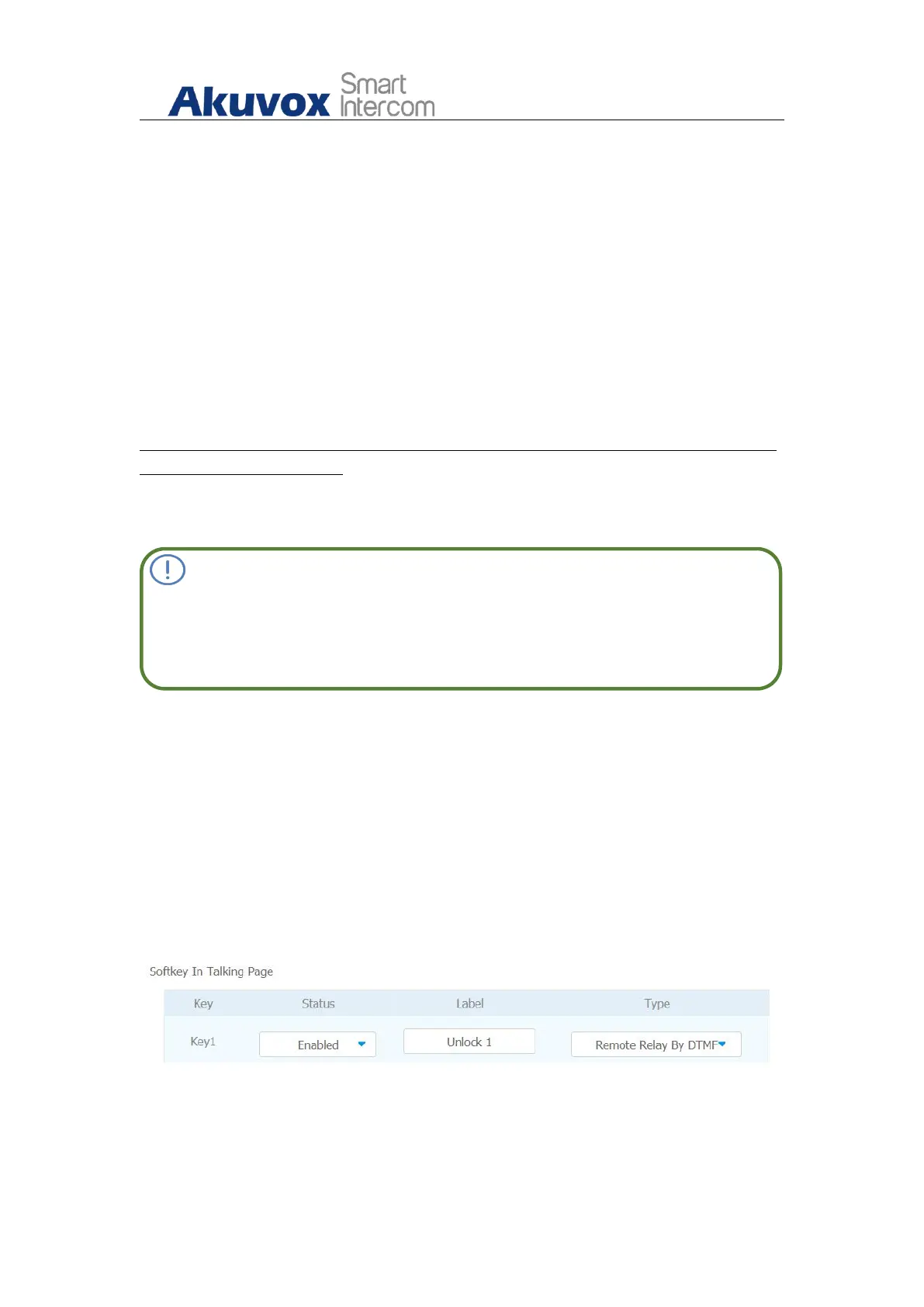
15.3.3. Unlock by Icon Button
To setup the unlock key inC313 for unlocking on web interface
Phone >Key/Display > Key Setting.


 To Next Page
 Loading...