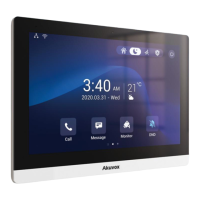
C319 Series Indoor Monitor Administrator Guide
23.2
Install Third-party App
You can install the third-party App to your device on the device web Device >Third-party
APK interface. Choose a suitable .apk file from PC to upload. If you want to clear the apk
file uploaded, click Reset.
To configure the installed the third-party app, you can click App Name field to select the
specific name of the installed APK files for configuration. Then tick the check boxes of the
each field for specific configuration you need.


 To Next Page
 Loading...