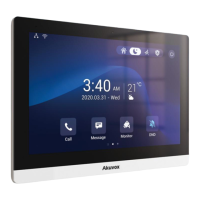
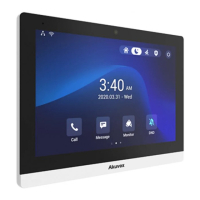
C319 Series Indoor Monitor Administrator Guide
Note
•
The pictures uploaded should be in JPG, JPEG, PNG format with 2M
maximum.
•
The previous pictures with a specific ID order will be overwritten when
repetitive designation of pictures to the same ID order occurred.
•
Screen Clean: press on Screen Clean feature first before you start wiping the screen
clean. And this helps you avoid unwanted changes in the settings incurred while you
are wiping the screen.
•
Font Size: select the font size among four options Small, Normal, Large, andHuge
according to your need.
•
Breathing Light: move the toggle switch to enable the breathing light.
•
Wallpaper: select the local wallpaper.
7.2
Screen Display Setting on the Web Interface
C319 series indoor monitor allows you to enjoy a variety of screen displays to enrich your
visual and operational experience through the customized setting.
7.2.1
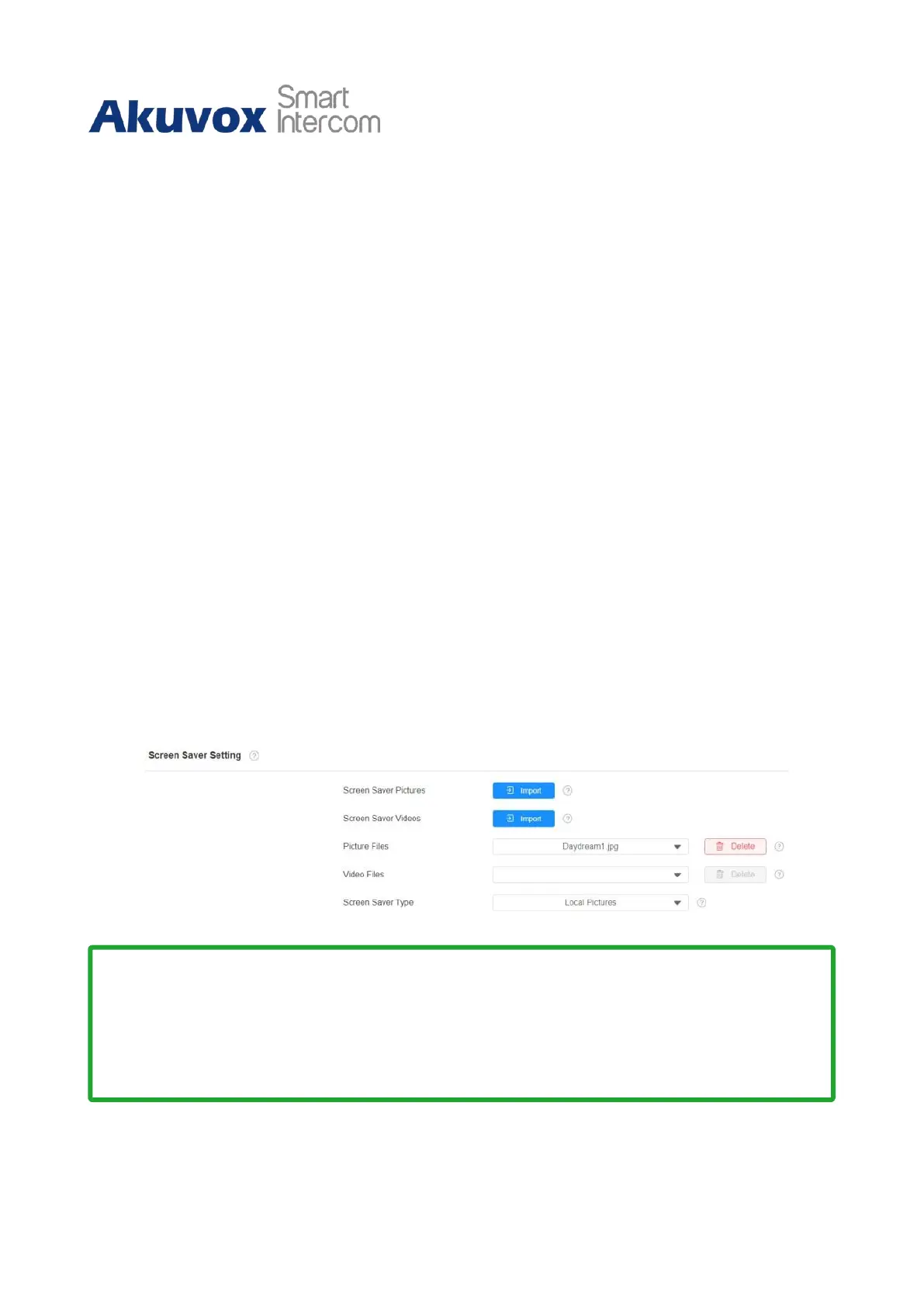
Upload Screen Saver
You can upload screen saver pictures separately or in batch to the device and the device
web Device > Display Setting > Screen Saver Setting interface for a public purpose or a
greater visual experience.


 To Next Page
 Loading...