EasyManua.ls Logo

AL-KO Robolinho 450 - User Manual

AL-KO Robolinho 450
484 pages
Go to English
Print Icon
To Next Page IconTo Next Page
Loading...
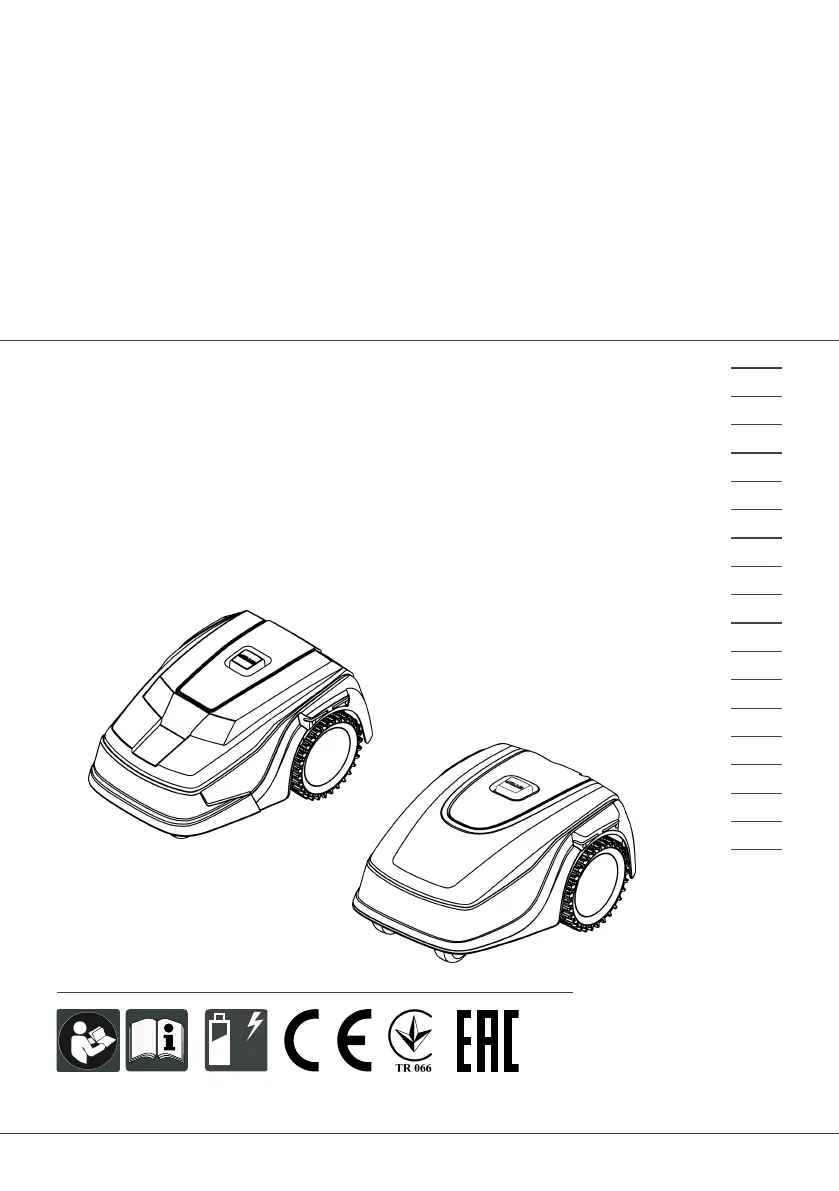
442811 BA Robolinho (Zusammenlegung)
Deckblatt
Li
BETRIEBSANLEITUNG
ROBOTER-RASENMÄHER
Robolinho 300
Robolinho 450
Robolinho 500
Robolinho 700
Robolinho 800
Robolinho 1150
Robolinho 1200
Robolinho 2000
495439_a
01 | 2021
DE
GB
NL
FR
IT
SI
HR
RS
PL
CZ
SK
HU
DK
SE
FI
RO
RU
UA

Table of Contents

Questions and Answers

  • C
    Crystal RamirezAug 15, 2025
    What to do if AL-KO Robolinho 450 Lawn Mower bumper deflected?
    • J
      John CollinsAug 15, 2025
      If the AL-KO Lawn Mower has driven into an obstacle and cannot free itself, especially near the base station, place the appliance on the designated grass surface. Also, ensure the boundary cable is correctly positioned.
  • L
    Lynn RodriguezAug 18, 2025
    Why does my AL-KO Lawn Mower say no loop signal?
    • J
      jasondunnAug 18, 2025
      If your AL-KO Lawn Mower displays a 'No loop signal' error, first check the LEDs on the base station. Then, check the power source by disconnecting and reconnecting it. Finally, inspect the boundary cable for any damage and repair it if necessary.
  • J
    John VelasquezAug 21, 2025
    Why is the loop signal weak on my AL-KO Lawn Mower?
    • D
      Daniel ParkerAug 21, 2025
      If your AL-KO Lawn Mower shows a weak loop signal, check the LEDs on the base station and ensure the power source is properly connected by disconnecting and reconnecting it. If the issue persists, raise the boundary cable to the correct height, attaching it directly to the grass if needed. It might be that the boundary cable is buried too deep.
  • C
    calderoncassandraAug 25, 2025
    What to do if AL-KO Robolinho 450 is in bad position?
    • X
      xmillerAug 25, 2025
      If your AL-KO Lawn Mower is in a bad position, ensure it is placed on the designated grass surface. Correct the boundary cable's location around curves and obstacles, and eliminate any criss-crossing of the cable. This may happen because the appliance is outside the designated grass surface or the boundary cable has been routed in a criss-cross pattern.
  • R
    Rachel RobinsonAug 27, 2025
    How to fix AL-KO Robolinho 450 escaped robot error?
    • K
      Kevin SmithAug 27, 2025
      If the AL-KO Lawn Mower has escaped, correct the location of the boundary cable around curves and obstacles, as the appliance is outside the designated grass surface.
  • S
    Stephen BurnettAug 30, 2025
    What to do if AL-KO Lawn Mower shows Cal: no loop CN015: Cal: outside?
    • A
      amanda09Aug 30, 2025
      If your AL-KO Lawn Mower displays 'Cal: no loop' or 'CN015: Cal: outside' during calibration, check the LEDs on the base station and the power source by disconnecting and reconnecting it. Place the appliance at the prescribed calibrating position, aligned precisely at right angles, ensuring it can drive over the boundary cable. This issue arises because the appliance cannot find the boundary cable during calibration.
  • M
    Michael McdonaldSep 2, 2025
    Why does my AL-KO Robolinho 450 Lawn Mower show Cal: signal weak?
    • B
      Brian SchultzSep 2, 2025
      If your AL-KO Lawn Mower displays 'Cal: signal weak' during calibration, place the appliance at the prescribed calibrating position, aligned precisely at right angles. Also, check the power source of the base station by disconnecting and reconnecting it, and inspect the boundary cable for damage. This can happen because the loop signal is too weak or there is no loop signal, or the boundary cable is faulty.
  • B
    Brandon GreeneSep 5, 2025
    What to do if AL-KO Robolinho 450 shows Cal: Collision?
    • A
      Angela ReynoldsSep 5, 2025
      If your AL-KO Lawn Mower displays 'Cal: Collision' during calibration, remove any obstacles that the appliance has bumped into.
  • M
    Monica OlsonSep 8, 2025
    How to fix AL-KO Robolinho 450 tilt sensor error?
    • E
      Elizabeth BellSep 9, 2025
      If the AL-KO Lawn Mower's tilt sensor is triggered, place the appliance on a flat surface and acknowledge the fault. This may occur if the maximum tilt is exceeded, the appliance has been carried, or the slope is too steep.
  • A
    anthony47Sep 12, 2025
    What to do if AL-KO Lawn Mower lift sensor triggered?
    • A
      Amber ReillySep 12, 2025
      If the lift sensor on your AL-KO Lawn Mower is triggered, remove the obstacle. This can happen if the appliance cover has been deflected upwards by lifting or by an obstacle.

Summary

Safety

Intended Use

Specifies the authorized and intended applications for the appliance.

Safety and Protective Devices

Details the safety features and protective mechanisms of the appliance.

Safety Instructions

Provides essential safety guidelines for operating the appliance.

Operator

Specifies the qualifications and conditions for the appliance operator.

Personal Protective Equipment

Recommends appropriate personal protective equipment for safe operation.

Safety of Persons and Animals

Outlines precautions to ensure the safety of people and animals.

Appliance Safety

Details safety measures related to the appliance's condition and usage.

Electrical Safety

Provides guidelines for safe electrical handling and operation.

Assembly

Setting up the Base Station

Instructions on how to correctly position and install the base station.

Installing the Boundary Cable

Detailed steps for installing the boundary wire around the mowing area.

Connecting the Base Station to the Power Source

Steps to connect the base station to the electrical power supply.

Start-Up

Charging the Rechargeable Battery

Instructions for charging the appliance's rechargeable battery.

Making the Basic Settings

Guide to configuring initial settings like language, PIN, date, and time.

Carrying Out an Automatic Calibration Movement

Procedure for performing an initial calibration movement for the appliance.

Operation

Starting the Appliance Manually

Instructions for manually starting the mowing operation.

Settings

Setting the Mowing Program

Details on setting up and customizing the mowing schedule and programs.

Displaying Information

Maintenance and Care

Cleaning

Instructions for cleaning the automatic lawn mower and base station.

Replacing the Cutting Blades

Step-by-step guide on how to safely replace the cutting blades.

Help in Case of Malfunction

Correcting Appliance and Handling Faults

Troubleshooting common appliance malfunctions and handling errors.

Fault Codes and Troubleshooting

Lists specific fault codes and their corresponding solutions.

After-Sales; Service

AL-KO Robolinho 450 Specifications

General IconGeneral
Cutting Width20 cm
Weight8 kg
Cutting Height25-55 mm
Battery TypeLithium-ion
Maximum Gradient45 %

Related product manuals