II Aladin
®
Pro – Survey
18
2.2 Operating modes Aladin
®
Pro works in various operating modes:
Sleep-mode:
Activation: automatically
When Aladin
®
Pro is not used it is in the so called sleep-mode.
In this case, the electronics are «sleeping» for the most part, the display does not
show any information. The computer is briefly activated once every minute to
measure atmospheric pressure. The display remains switched off. If a change in
altitude is recognized, Aladin
®
Pro switches to -> surface-mode for 3 minutes.
Ready-mode:
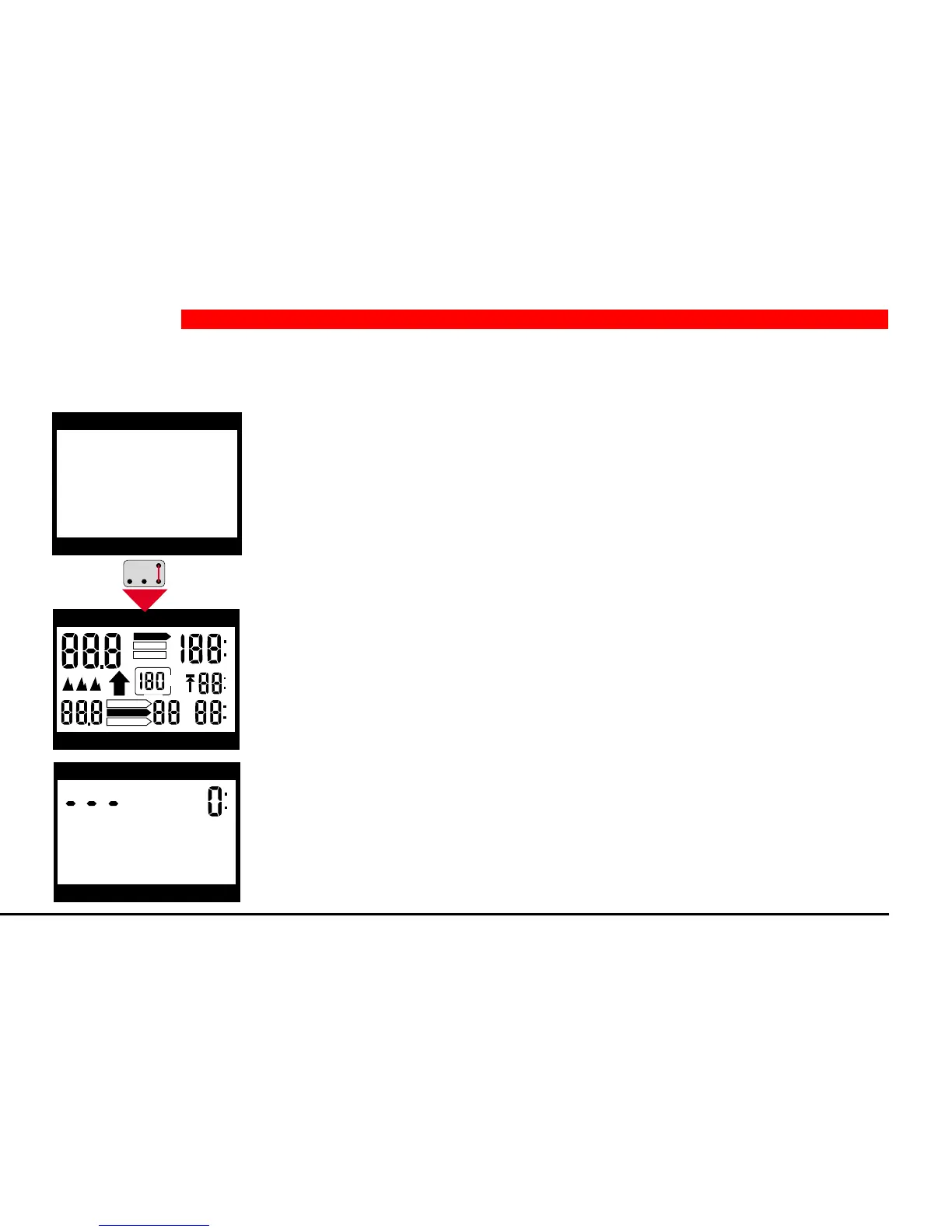
Activation: By touching contacts B and E from sleep-mode.
To check the display, all signs light up for 5 seconds.
Aladin
®
Pro switches into ready-mode afterwards. In ready-mode, the display is
switched on and in certain circumstances altitude sections are also displayed.
On touching contacts B and E in ready-mode once more, Aladin
®
Pro displays the
remaining battery capacity in percent. Three minutes after activating ready-mode,
Aladin
®
Pro falls back into -> sleep-mode.
2 Operation
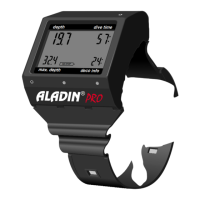
depth dive time
max. depth deco info
h
h
m
ft
NO STOP
DO NOT FLY
DESATURATION
S
L
O
W
DIVEPLAN
LOGBOOK
DIVE
SPEED
%
depth dive time
max. depth deco info
DECOSTOP
depth dive time
max. depth deco info


 To Next Page