61
VI Dive Planner
VI
2 Selection and Activation from Ready-Mode
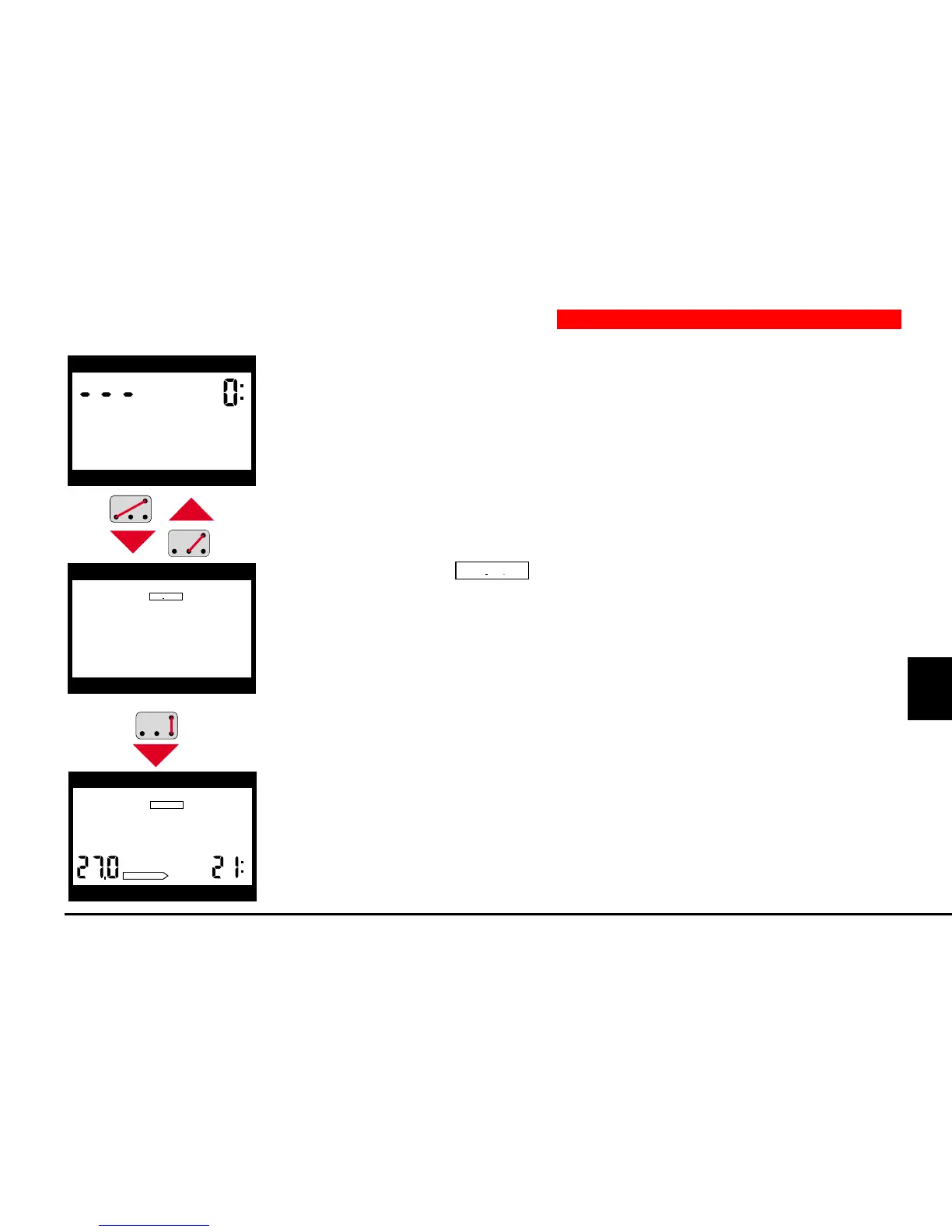
1. From ready-mode, you switch into the dive-plan input stage with contacts B
and –.
2. The display shows
DIVEPLAN
. You return to ready-mode by B and +.
3. Contacts B and E afterwards activate the planning mode.
4. The display shows no-stop times for increasing depths (scrolling no-stop
times, see page 63, planning of a no-stop dive).
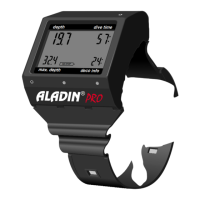
depth dive time
max. depth deco info
depth dive time
max. depth deco info
DIVEPLAN
depth dive time
deco info
NO STOP
max. depth
DIVEPLAN


 To Next Page