III Diving with Aladin
®
Pro
39
III
5.2 Desaturation time Aladin
®
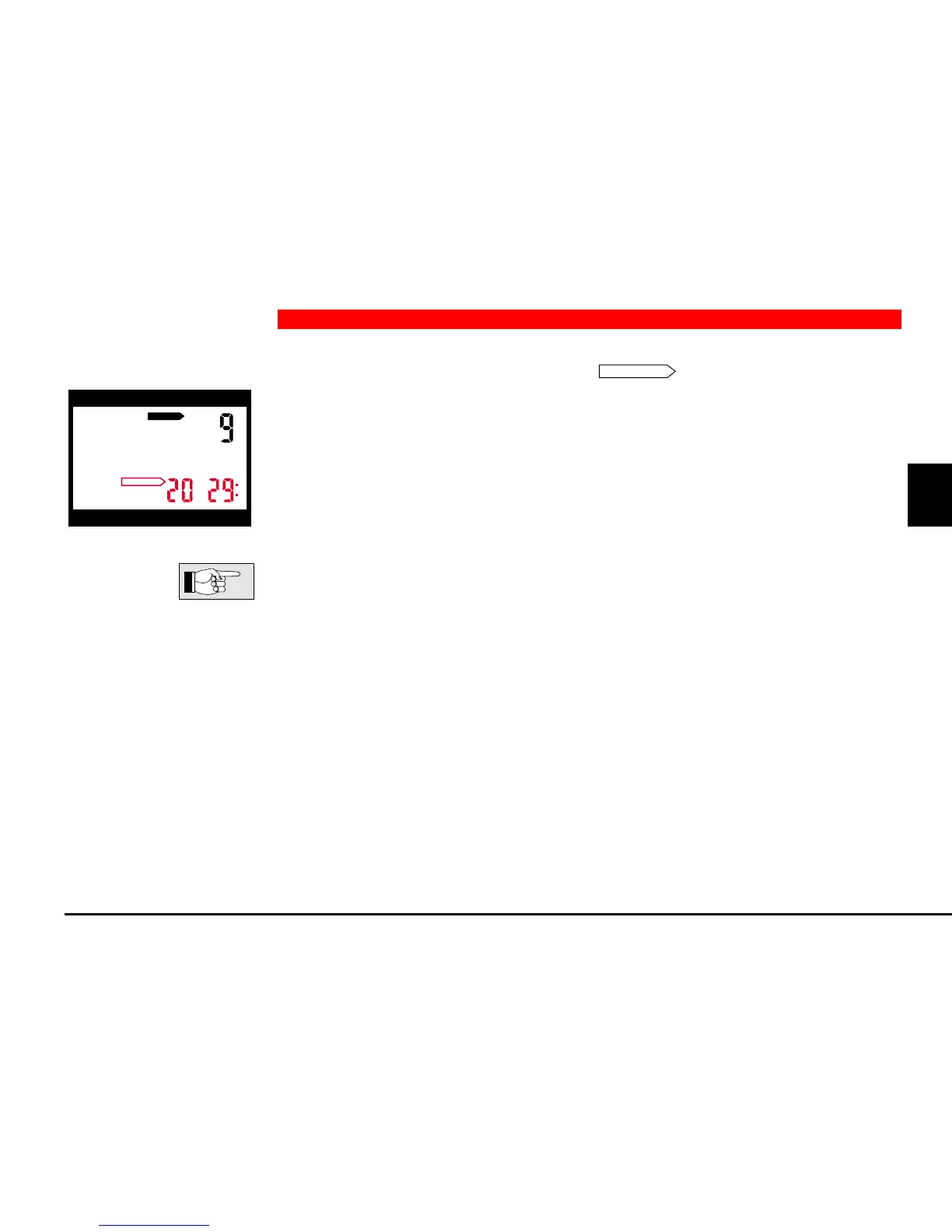
Pro is in surface-mode. The arrow
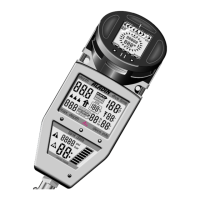
DESATURATION
appears; beside, desaturation
time in hours and minutes is displayed. Desaturation time is continually indicated
until the next dive or until it reaches zero. The display is switched off to save
energy 3 minutes after the last manipulation (surface-sleep-mode). Desaturation
calculations continue to the made in the background.
– In some cases, desaturation times of the new Aladin
®
Pro are considerably
longer than those of its predecessors, because the calculation model assumes
reduced physical activity at the surface and calculates with shorter half-time
periods.
– If desaturation time reaches the value 0, all tissues are desaturated. Aladin
®
Pro switches into sleep-mode.
h
h
DO NOT FLY
DESATURATION
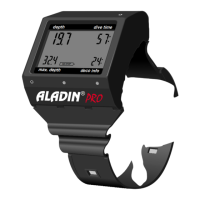
depth dive time
max. depth deco info
5 Surface Functions


 To Next Page